One portrait. Crowd-level energy.
Bulin 47 AI Video Generator
Upload one photo to create an original Bulin 47 AI performance with vertical framing, red-room atmosphere and reactive crowd motion. Generate, review and download your own video from one focused workspace.
- 1 photosingle-character input
- 9:16phone-first video
- 15 secprepared social clip
- MP4private result download
Bulin-inspired preset
Create your Bulin 47 video
Choose a clear portrait. The prepared direction adds a close handheld camera, warm red light, foreground phones, crowd reactions and assertive performance gestures.
Your Bulin 47 AI result
Preparing your Bulin 47 video…
Download Bulin 47 VideoOriginal → AI variations
See the Bulin 47 video pattern
Play any card to compare the motion idea with two AI character variations.
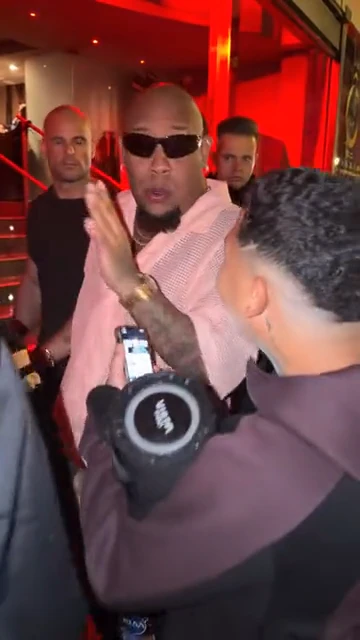
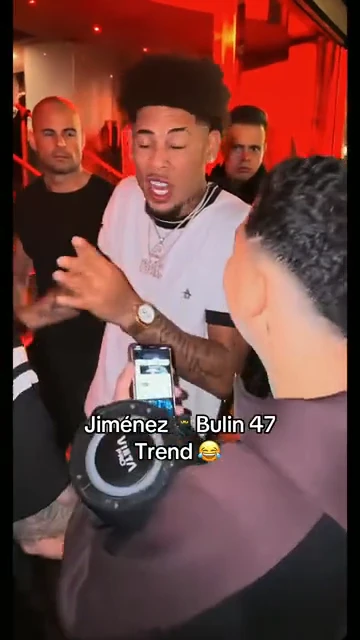
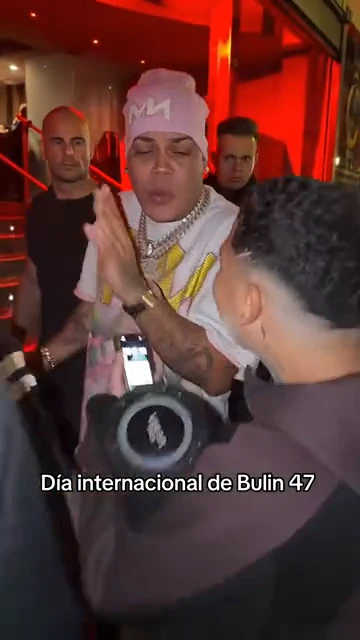
Authorized examples are shown for editorial comparison. Your generated clip is a new output based on your photo and the prepared direction.
Direct answer
What does a Bulin 47 AI generator do?
It turns one portrait into a vertical AI performance inspired by the recognizable crowd, camera and lighting language of the Bulin 47 video viral trend. The image guides character identity; the preset guides scene energy and motion.
This workflow does not copy an original video frame by frame. It produces a fresh clip that should be reviewed for face consistency, crowd crossings, hand detail and publishing rights before use.
| You provide | One authorized, clear character portrait |
|---|---|
| The preset provides | Red-room lighting, crowd energy, gestures and handheld camera direction |
| You receive | A private 9:16 AI-generated video with playback and download |
| You review | Identity, occlusion, hands, continuity, audio rights and platform disclosure |
Four production decisions
Build a stronger Bulin 47 AI video from input to export
Each module answers a different intent: choosing the portrait, directing the action, reviewing hard frames and preparing the clean result for social publishing.
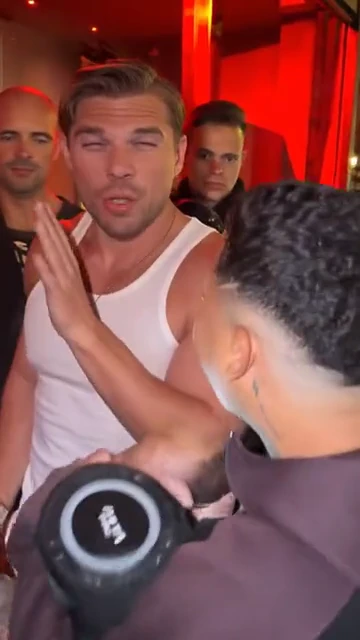
Identity direction
Start with one photo that reads clearly at phone size
The Bulin 47 format is visually busy: faces move, people cross the frame, hands pass close to the camera and red light changes the perceived skin tone. A useful source image therefore needs more than high resolution. Choose one person, a visible face, balanced light and enough separation between hair, jawline and background. A front-facing or gentle three-quarter portrait gives the generator the clearest identity cues. Avoid tiny faces, heavy filters, sunglasses, hands over the mouth and group photos when recognizability matters.
Create with this workflow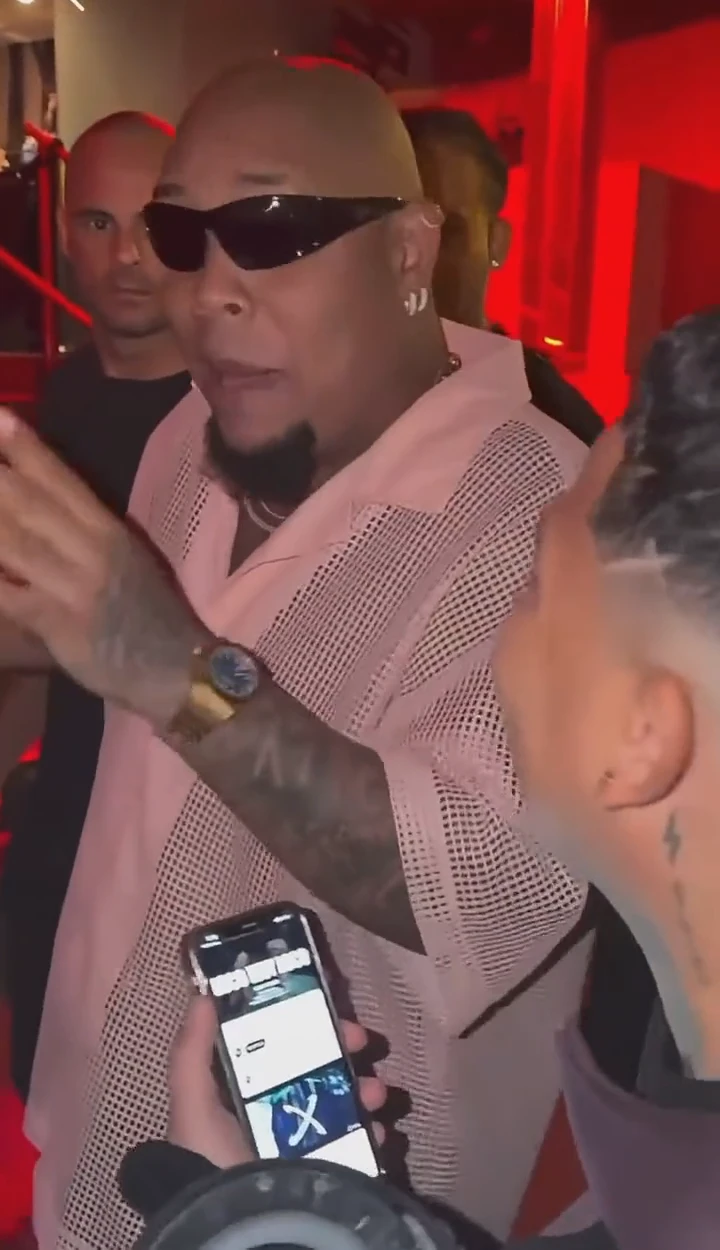
Motion and camera
Describe the performance beat, not every frame
A strong Bulin 47 video prompt gives the model a compact motion plan: a crowded red-lit entrance, a performer surrounded by phones and cameras, assertive hand gestures, reactive background figures and handheld close-range framing. That is enough to establish pace and camera language without over-constraining each second. The Seedance preset already supplies this direction, while your photo supplies the character. The generated result is an original interpretation of the trend, not a frame-for-frame copy or a guarantee of identical choreography.
Create with this workflow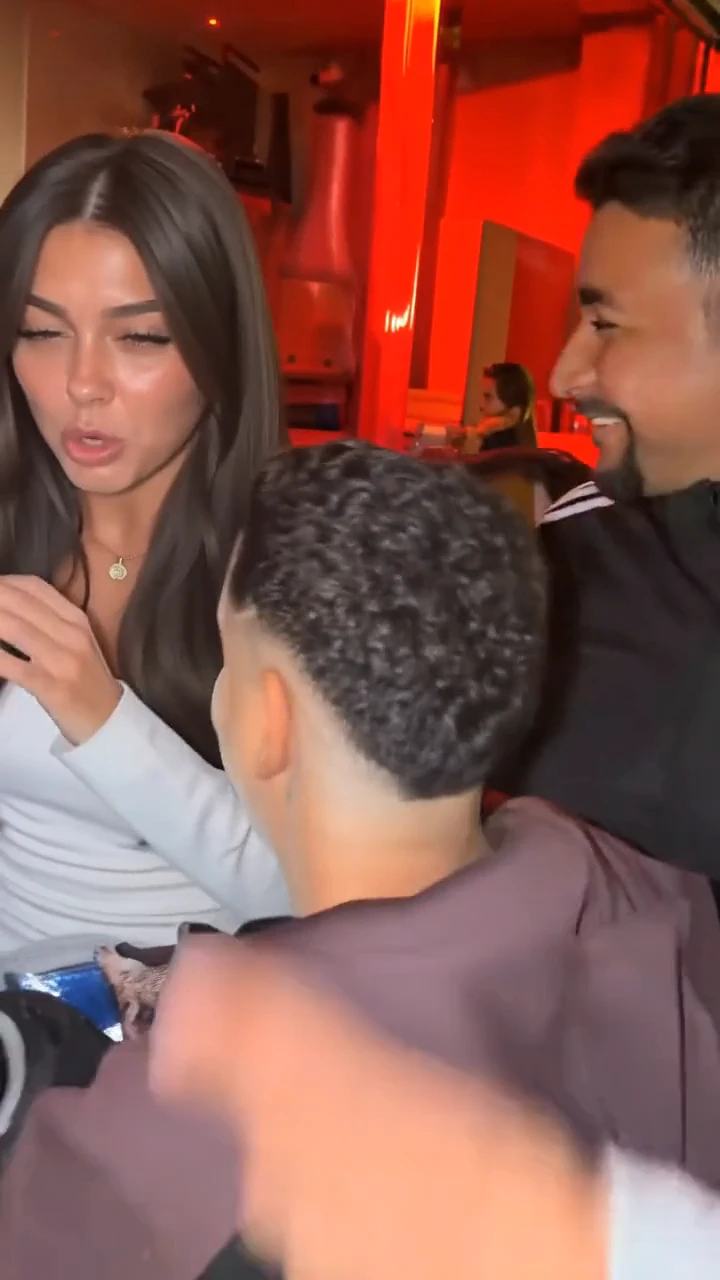
Crowd and occlusion
Review the difficult moments where people cross the subject
Crowds create the excitement that made the Bulin 47 video viral, but they also create the hardest continuity test. A shoulder can cover the jaw, a phone can interrupt the face, and fast foreground motion can cause a temporary identity shift. Watch the whole clip once for energy, then replay it slowly around crossings and turns. Small variations can be acceptable in a fast social edit; obvious facial swaps, extra fingers or disappearing accessories are a reason to regenerate with a cleaner portrait or simpler identity details.
Create with this workflow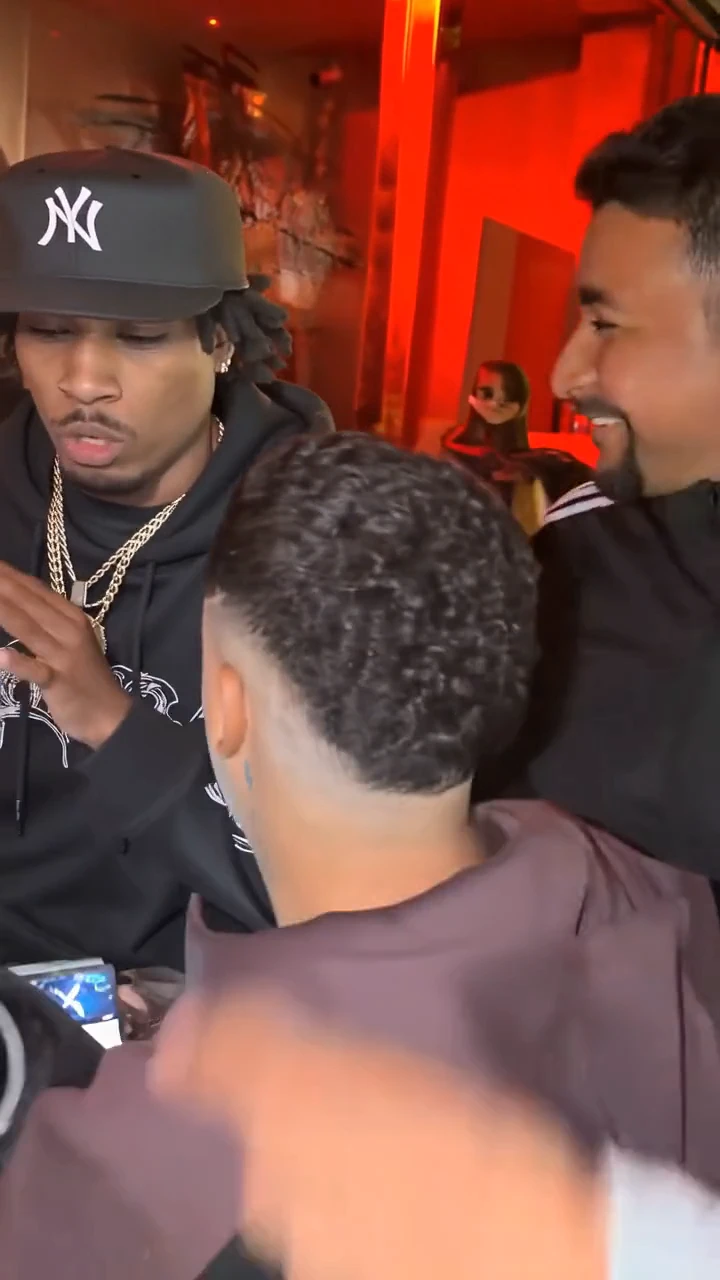
Style and delivery
Keep the red-room look readable after social compression
The visual signature comes from warm red light, a tight crowd, flash-like highlights and immediate handheld presence. Those elements need contrast, because social platforms compress shadow detail and saturated reds aggressively. Review the downloaded file before adding captions, then keep text away from the face and interface overlays. If you add music or the original viral sound later, use audio you are permitted to publish. The generator creates the visual output; it does not grant rights to a song, a source recording, another person’s likeness or a platform clip.
Create with this workflowBefore / after
From a still portrait to a crowded vertical performance
The portrait supplies the person. The generated video supplies the scene, movement, lighting and surrounding action.
Casual selfie to red-room performance
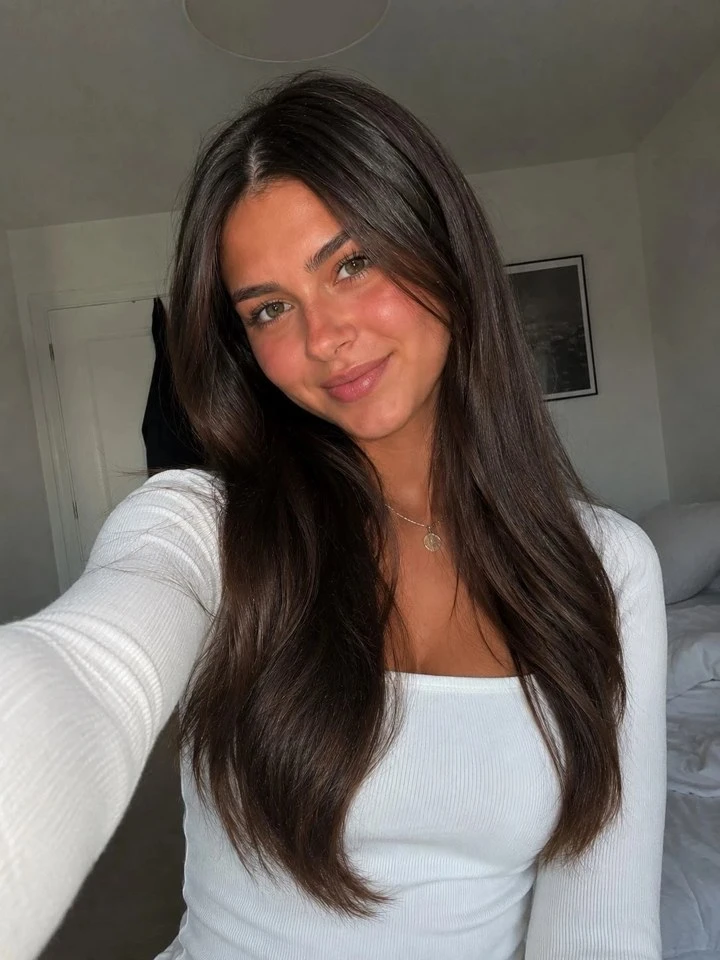
A simple portrait can become the central performer while the crowd, lighting and handheld energy are synthesized around it.
Street portrait to social trend clip
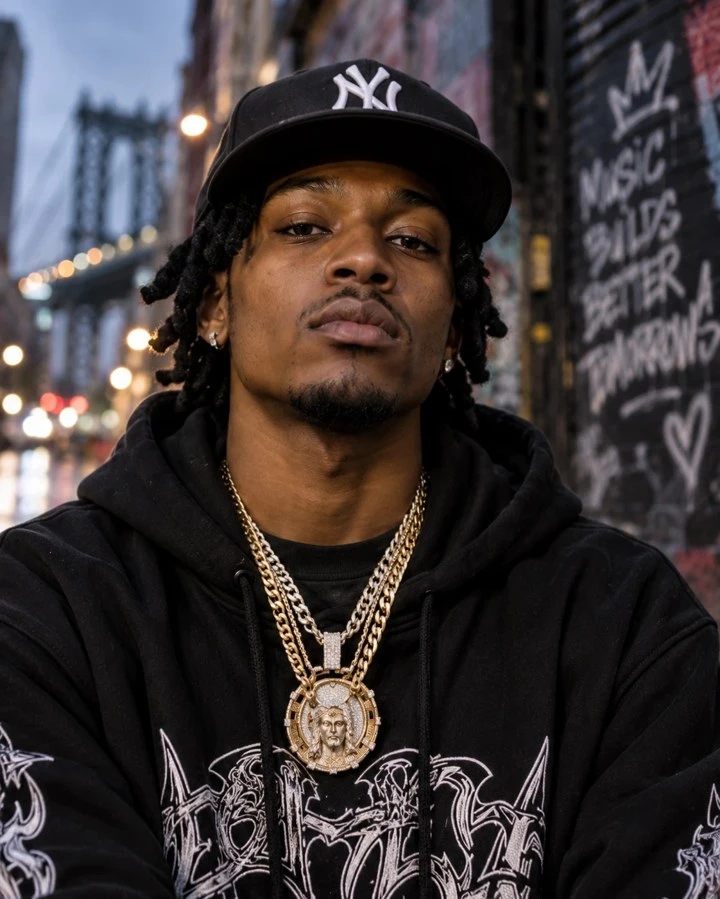
The source provides identity cues; the preset supplies the performance environment, pace and vertical framing.
Four-step workflow
How to create and download a Bulin 47 video
Move from one authorized portrait to a reviewed, downloadable result without building a timeline.
-
01
Choose one clear photo
Use a portrait you own or are allowed to process. Keep one visible subject, a readable face and limited obstruction.
-
02
Upload and confirm 9:16
Add the image to the Bulin 47 AI workspace. The vertical format is prepared for TikTok, Reels and Shorts.
-
03
Generate and inspect motion
Create the clip, then review identity, crowd crossings, hands, lighting and the beginning and end of the shot.
-
04
Download your Bulin 47 video
When processing succeeds, use the Download Bulin 47 Video button to save your own generated MP4 before publishing or editing.
Generation → download
Descargar video Bulin 47: save the result you created
Searchers asking how to descargar video Bulin 47 usually need the final product action, not another example gallery. On this page, the download control belongs to your private generation result. It becomes available only after processing succeeds and points to the authenticated download route for your own output.
- Generate from a photo you are allowed to use.
- Play the completed result before saving it.
- Select Download Bulin 47 Video in the result panel.
- Keep the clean file, then add only music, captions and branding you have permission to publish.
Six creative uses
Where a Bulin 47 video concept can fit
Treat the trend as a visual format, then adapt the generated result to a real creative goal and the rights you hold.
-

Creator reveal
Turn a recognizable creator portrait into a fast entrance-style performance for a short-form reveal.
-
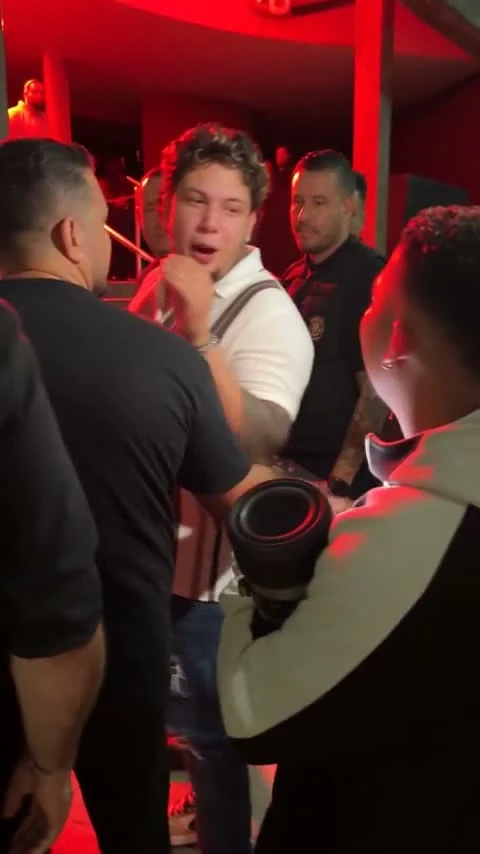
Fashion variation
Test how a strong outfit silhouette reads under saturated red lighting and a crowded composition.
-
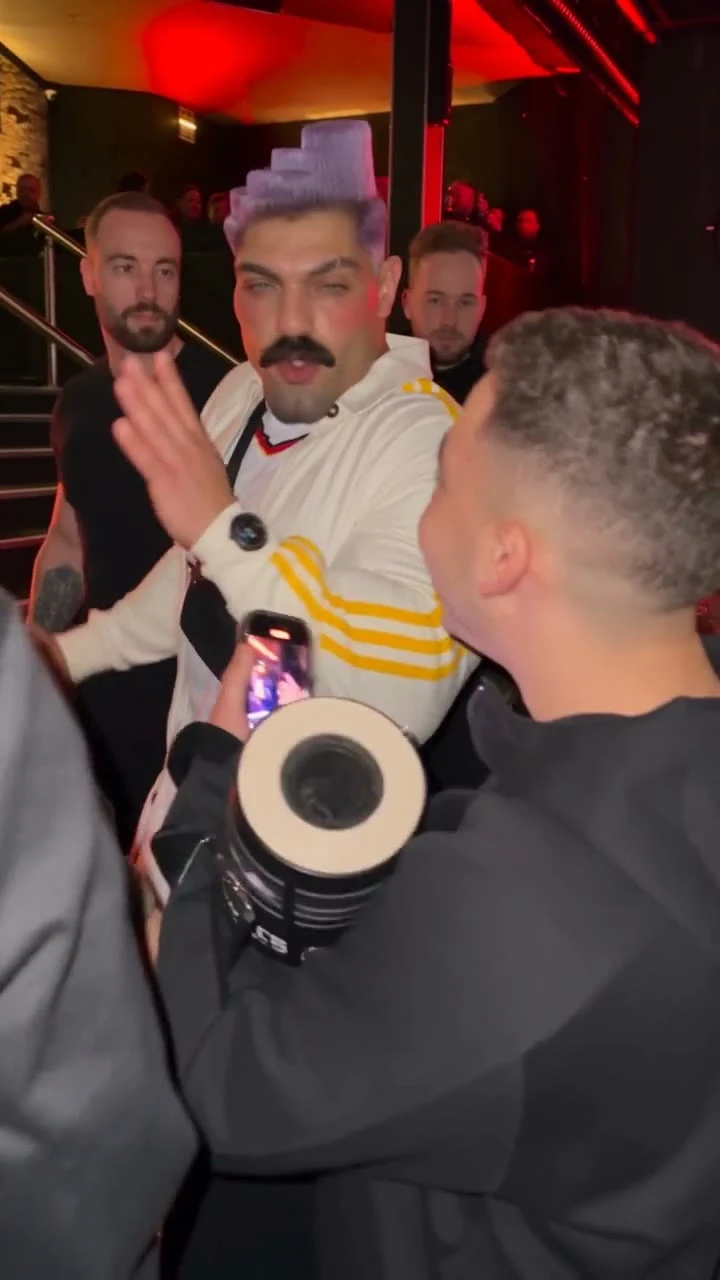
Music promo concept
Draft a visual hook for an artist announcement, then pair the clean download with properly licensed audio.
-
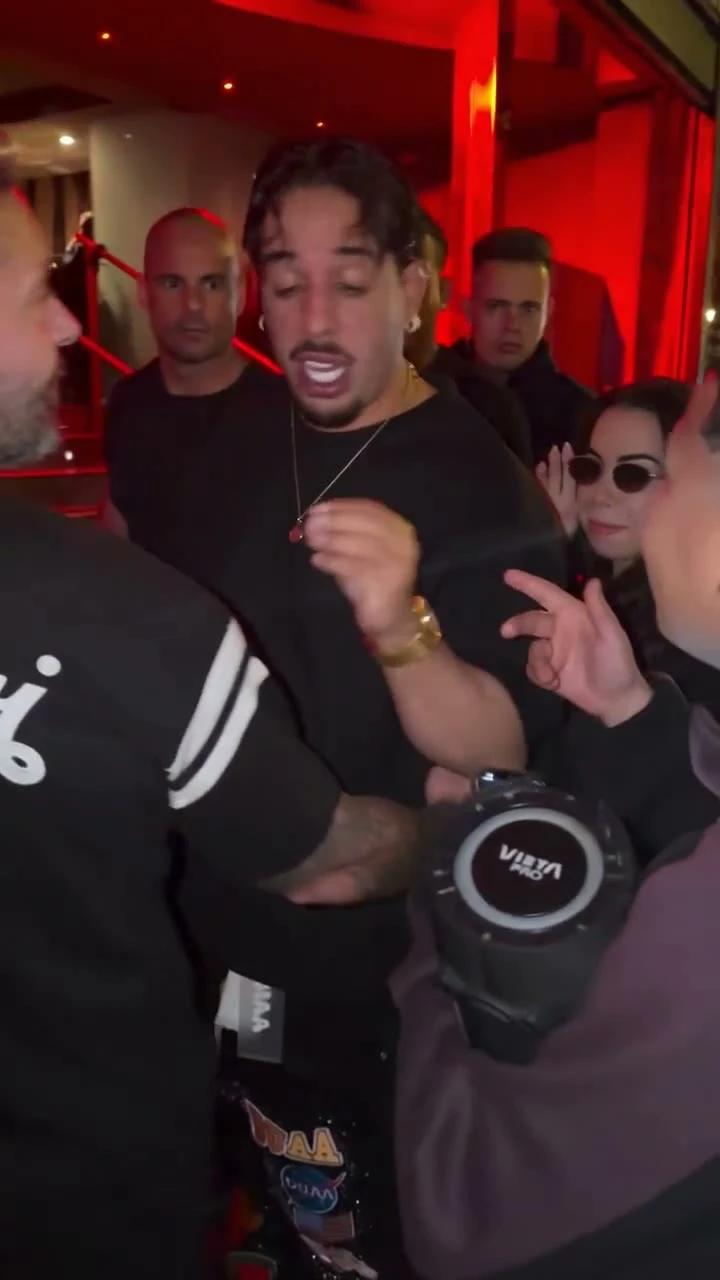
Community remix
Create separate authorized character versions and compare which portrait remains clearest during fast movement.
-
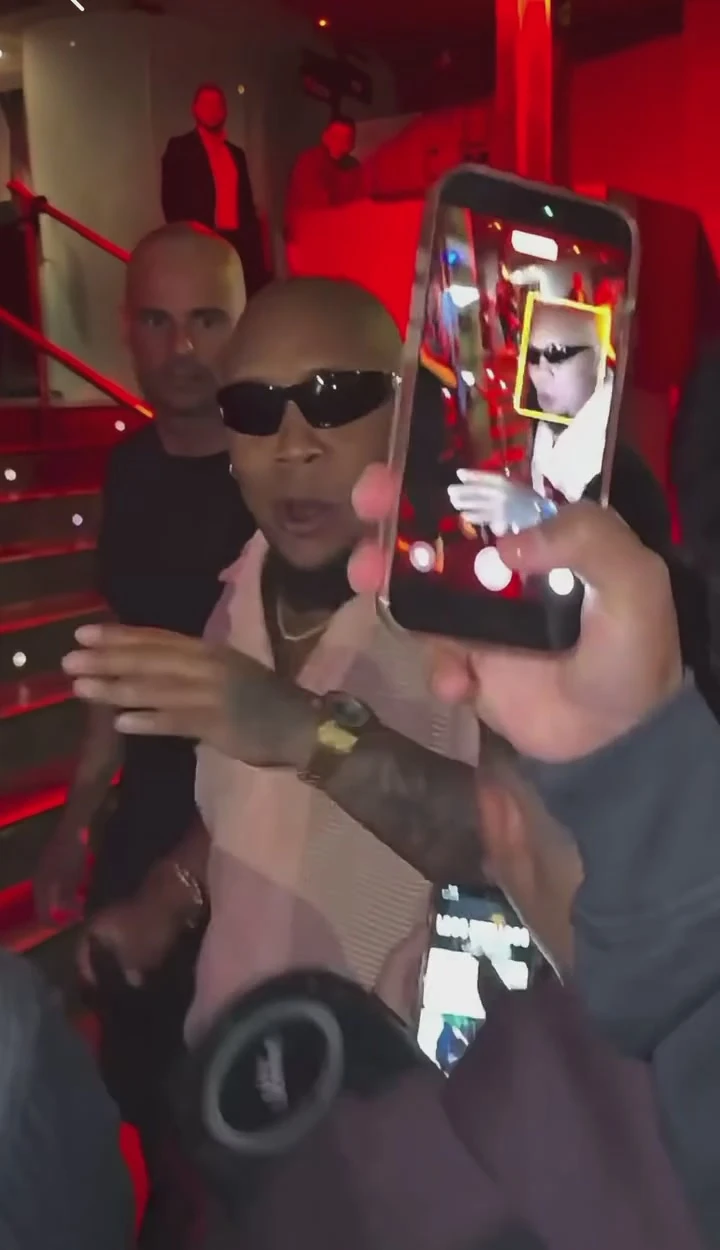
Occlusion test
Use a production review frame to inspect how phones, hands and shoulders interact with the generated face.
-
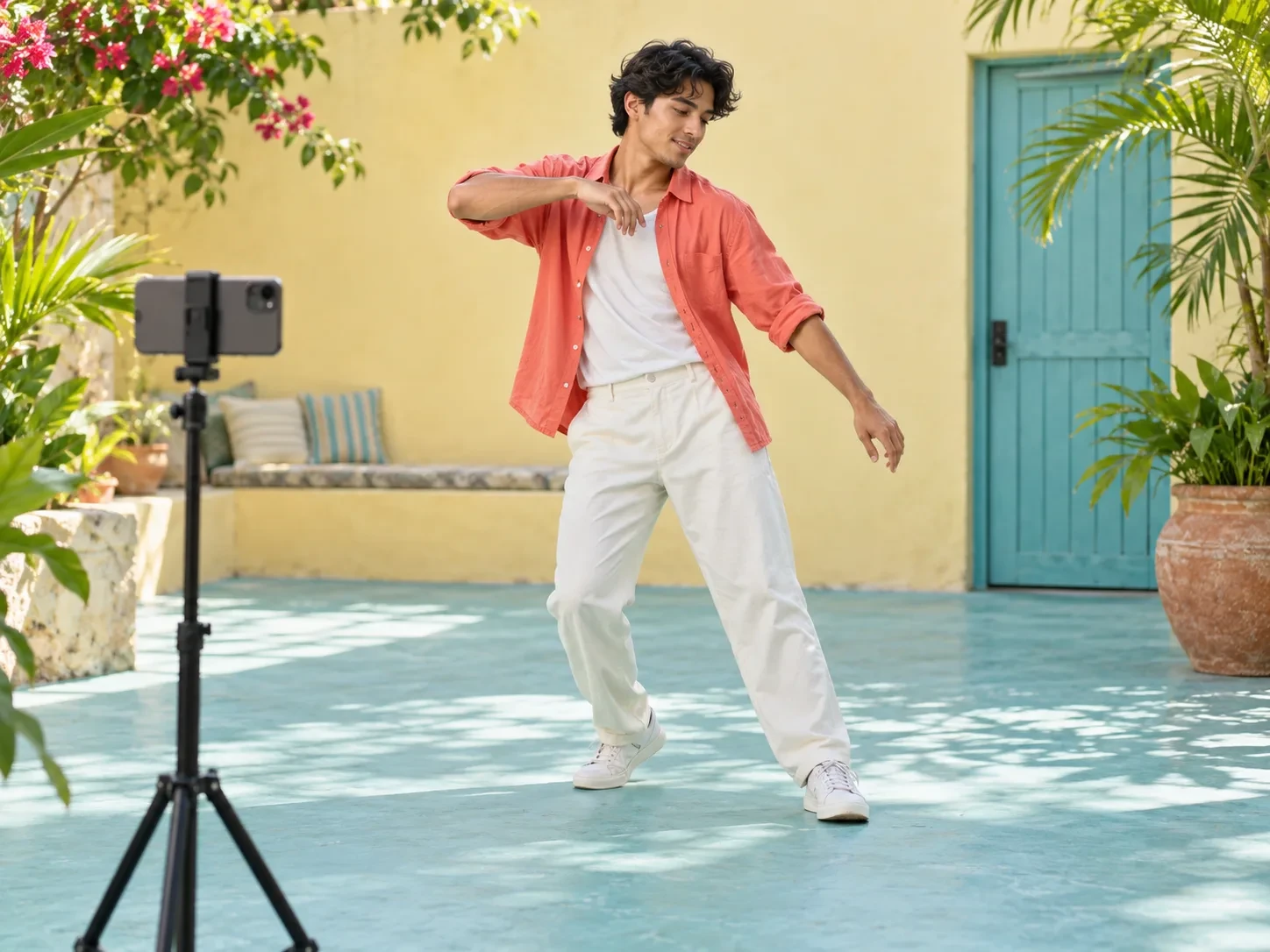
Campaign storyboard
Use the Bulin-inspired visual as a concept frame for a larger social sequence without claiming it is original footage.
Find the right answer
Bulin 47 search intents, separated by task
Bulin 47 AI
Use the generator when your goal is to animate one authorized portrait inside a newly generated crowd-performance scene.
Open the generatorBulin 47 video
Use the three-video stage to understand the original-to-variation pattern before choosing your input photo.
Compare the examplesBulin 47 video viral
Read the four production modules to understand why the crowd, occlusion, red light and handheld camera matter.
Study the formatDescargar video Bulin 47
Generate first, then use the result-panel download button to save the private video you created.
See download stepsQuestions answered
Bulin 47 AI video FAQ
What is Bulin 47 AI?+
Bulin 47 AI describes tools and workflows that place a user-supplied character into a vertical, red-lit, crowd-performance scene inspired by the viral Bulin 47 video format. This page creates an original AI interpretation from one uploaded photo.
How do I make a Bulin 47 video?+
Upload one clear portrait, keep the prepared 9:16 format, submit the generation, review the resulting motion and identity, and download the finished video when the result is ready. No video-editing timeline is required.
Can I descargar video Bulin 47 after generating it?+
Yes. After your generation succeeds, the result panel enables a Download Bulin 47 Video button so you can save your own generated file. It does not download third-party reference clips or grant rights to their audio.
Is this the original Bulin 47 video viral clip?+
No. The three stage examples explain the visual pattern using authorized editorial media. Your output is newly generated from your portrait and a prepared creative direction; it is not the original source clip or a frame-for-frame replacement.
Which photo produces the clearest identity?+
Use a well-lit front-facing or slight three-quarter portrait with one person, visible eyes, a readable jawline and no hands, sunglasses or other faces covering the subject.
Why can the face change when someone crosses the frame?+
Foreground people, phones and hands temporarily hide identity cues. Generative video may rebuild those details differently when the subject reappears. Review crossings carefully and regenerate from a cleaner photo if the shift is distracting.
Does the generated Bulin 47 video include the viral audio?+
No licensed viral audio is promised. The workflow focuses on visual generation. Add only music or sound you own, have licensed or are otherwise permitted to publish.
Can I use a real person’s photo?+
Only if you have the rights, consent and lawful basis required to process that person’s likeness. Do not use the tool for deceptive impersonation, harassment or non-consensual synthetic media.
What format is the output?+
The preset uses a vertical 9:16 video layout designed for phone viewing. The current workflow requests a 15-second 720p generation and returns a private result with authenticated playback and download.
Can I publish my Bulin 47 AI video on TikTok or Reels?+
You can publish your generated output if you have the necessary rights in the photo, added audio, names, logos and other material. Review platform rules and label synthetic or altered media when required.
Your portrait, your result
Create the crowd-performance energy, then download your Bulin 47 AI video
Start with one readable character photo. Generate the vertical scene, inspect difficult crossings and save the completed result from the private output panel.
Generate My Bulin 47 Video