Preparing your creation…
Download resultFeatured AI Models

- Wan 2.6HOT
- Keep characters consistent across cinematic 1080p sequences with multi-shot storytelling, starring controls, and synchronized native audio.

- Video Grok ImagineHOT
- Create polished motion from text or images with deliberate camera control, realistic lighting, and synchronized sound.
- Wan 2.5HOT
- Move smoothly from a written prompt or reference image to expressive video with practical creative controls.

- Kling Video MakerHOT
- Generate imaginative image-led and text-led video while preserving strong subject detail, motion, and visual continuity.

- Seedance AI Video GeneratorHOT
- Turn detailed prompts into professional video scenes with controlled movement, coherent subjects, and production-ready pacing.
- Kling 4 Video Generator
- Transform text or images into smooth cinematic motion with vivid details for stories, advertising, and social campaigns.

- MiniMax H3 Max Turbo
- Generate faster, lower-cost video drafts with strong prompt understanding and visual quality close to the premium model.
- MiniMax H3 Max
- Create cinematic video from text or images with native audio, reliable prompt control, and a polished high-quality finish.

- Gemini Omni 1.1
- Generate and refine video from text or images, extend scenes, edit clips, and prepare high-resolution exports in one workflow.

- LTX-2.5 Video Generator
- Turn prompts or reference images into continuous clips with readable motion, synchronized sound, and responsive creative control.
- Wan 3.0
- Convert written concepts or photographs into motion-rich clips for social posts, advertisements, stories, and creative projects.
- MiniMax H3 Video Generator
- Combine text, images, and references in cinematic 2K scenes with native stereo sound and strong subject consistency.

- PixVerse V6
- Create short AI video from prompts or images with flexible formats, expressive movement, and coordinated native audio.

- FLUX 3 Video
- Direct cinematic scenes from text, images, or clips with keyframe control, synchronized audio, and flexible visual development.
- Seedance 2 VIP
- Create polished 4K Seedance video from text or images with smooth cinematic movement and precise visual direction.

- HappyHorse 1.1
- Build cinematic video with improved motion expression, stable subjects, responsive prompting, and coordinated native audio.
- Seedance 2.5
- Generate longer native video scenes from multimodal references while preserving identity, timing, camera language, and sound.
- Kling 3.0 Turbo
- Turn prompts and still images into cinematic motion quickly with flexible duration, framing, and production-oriented quality.
- Seedance 2.0 Mini
- Create coherent multi-shot video with consistent characters, deliberate camera control, and a faster lightweight workflow.
- Grok Imagine 1.5
- Bring a single image to life with realistic motion, synchronized sound, strong scene understanding, and clean 720p output.
- Google Omni Video
- Draft cinematic video from prompts or reference images for advertising, social clips, product stories, and visual concepts.
- HappyHorse 1.0
- Combine text, images, and audio to create 1080p video for product demonstrations, advertisements, and social storytelling.
- Seedance 2.0 Fast
- Transform text or images into high-quality cinematic motion with realistic physical behavior and coordinated native audio.
- Veo 3.1 Lite
- Create polished AI video with a fast lightweight Veo workflow designed for frequent drafts, downloads, and sharing.
Explore Video Effects
Choose an effect, preview the motion, and make the result your own.
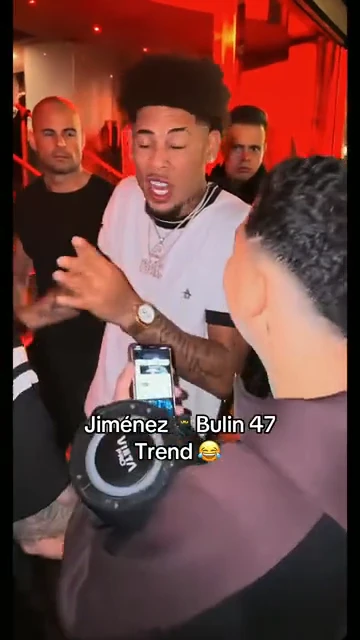 Entertainment
Bulin 47 AI Video
Upload one portrait, generate a vertical red-room crowd performance, review the result, and download your own Bulin 47 AI video.
Explore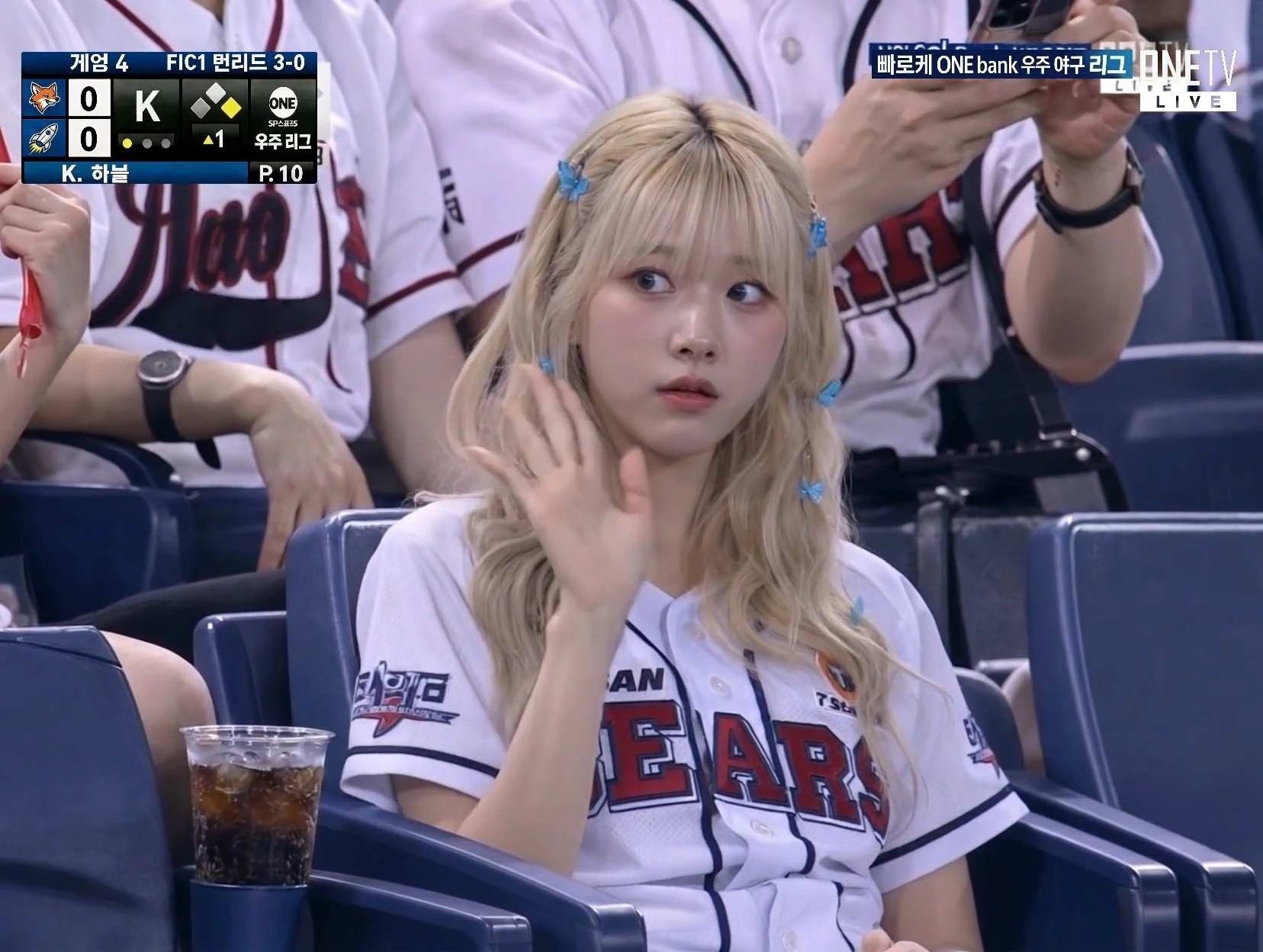 Interactions
AI Baseball Fancam Video
Turn a portrait or short brief into AI Baseball Fancam Video with convincing interaction, stable faces, natural timing, and a polished social-video finish.
Explore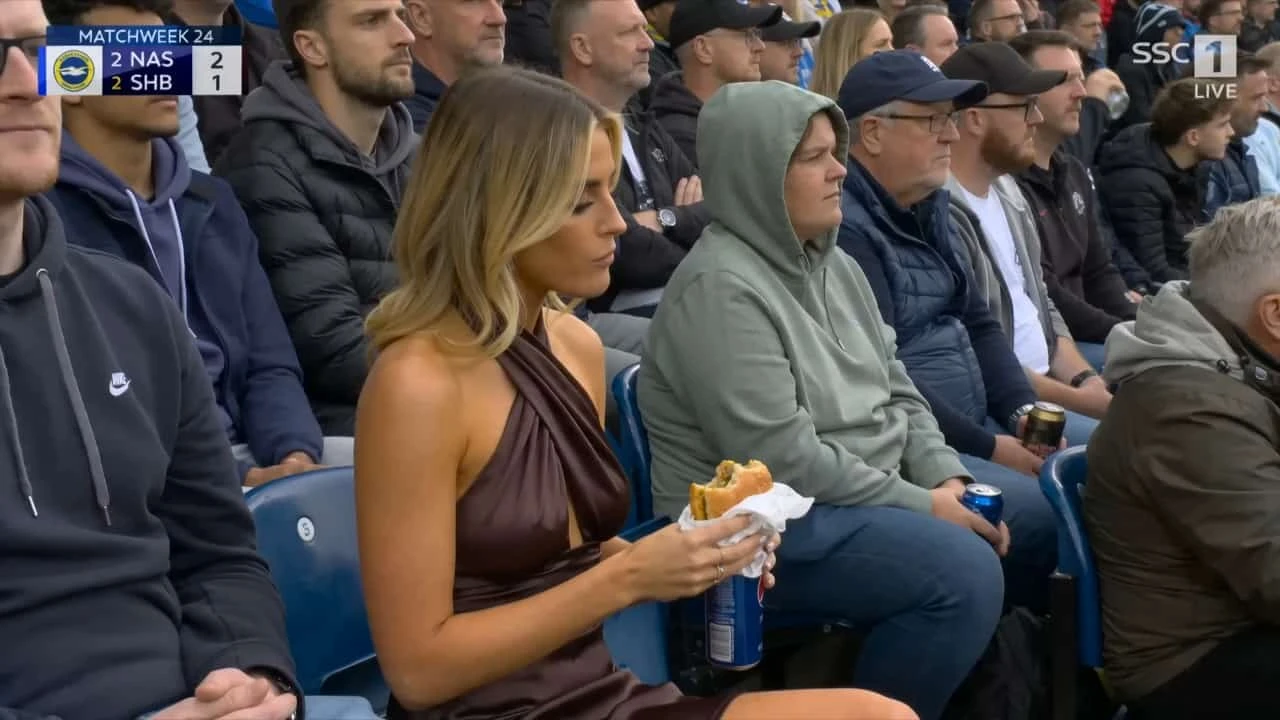 Interactions
AI Baseball Trend
Turn a portrait or short brief into AI Baseball Trend with convincing interaction, stable faces, natural timing, and a polished social-video finish.
Explore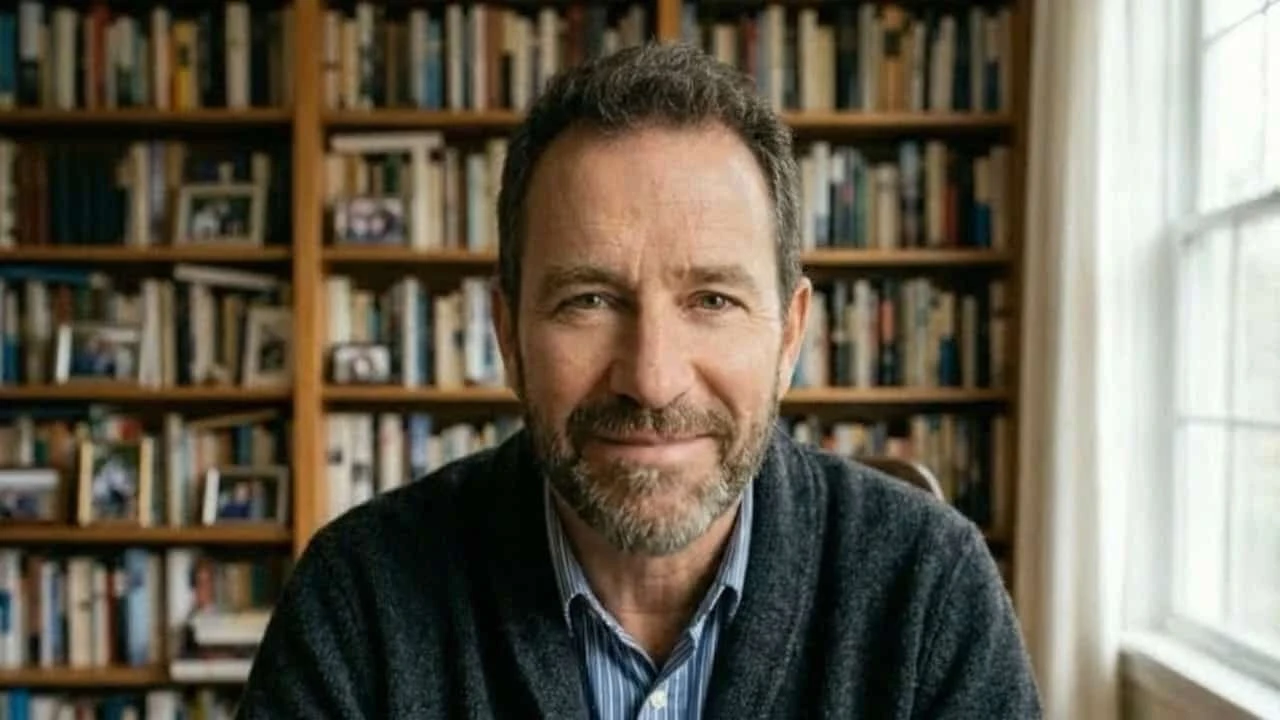 Interactions
AI Spokesperson Video
Turn a portrait or short brief into AI Spokesperson Video with convincing interaction, stable faces, natural timing, and a polished social-video finish.
Explore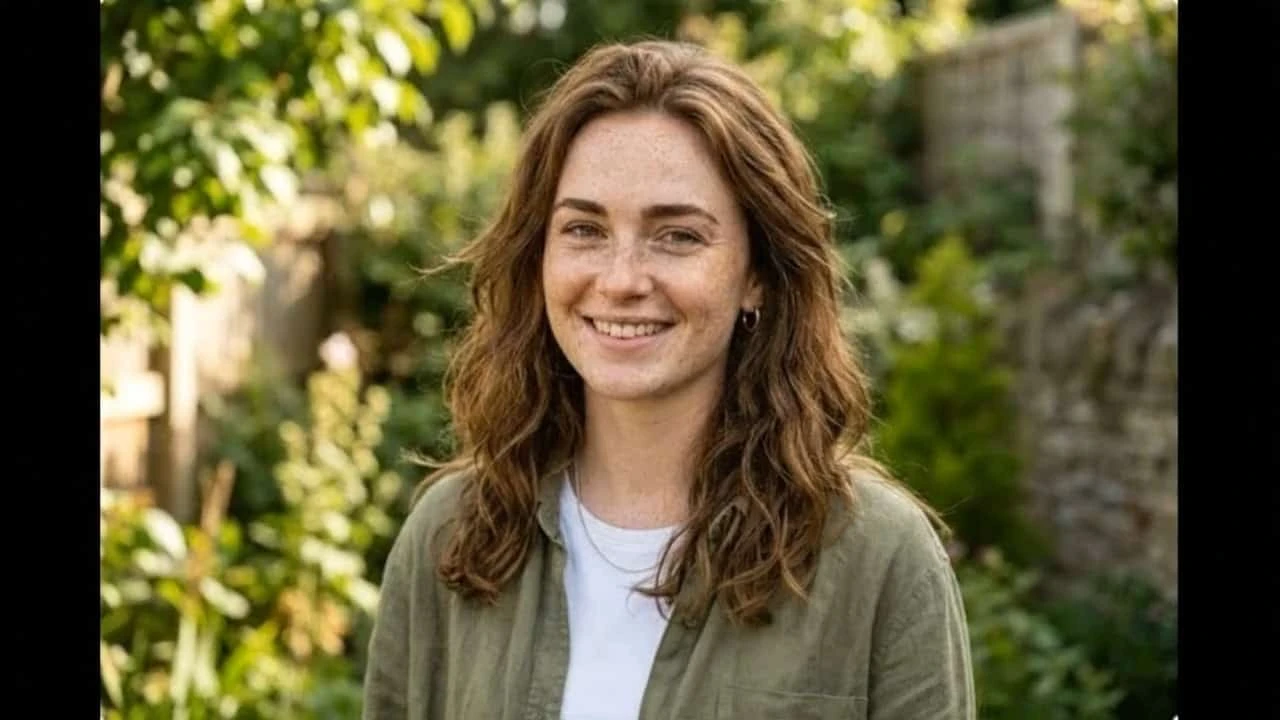 Interactions
AI Panda Hug Video
Turn a portrait or short brief into AI Panda Hug Video with convincing interaction, stable faces, natural timing, and a polished social-video finish.
Explore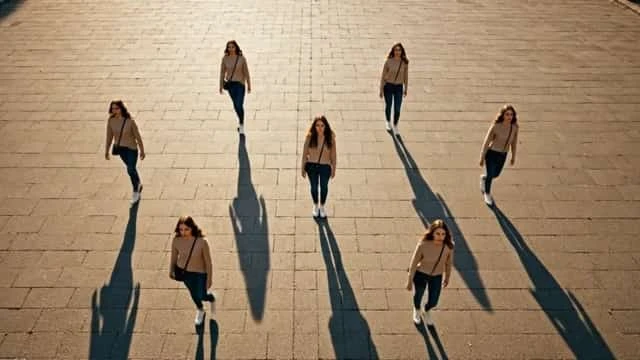 Interactions
Multiple Me Effect
Turn a portrait or short brief into Multiple Me Effect with convincing interaction, stable faces, natural timing, and a polished social-video finish.
Explore Interactions
AI News Anchor Generator
Turn a portrait or short brief into AI News Anchor Generator with convincing interaction, stable faces, natural timing, and a polished social-video finish.
Explore Interactions
AI Shake Hands
Turn a portrait or short brief into AI Shake Hands with convincing interaction, stable faces, natural timing, and a polished social-video finish.
Explore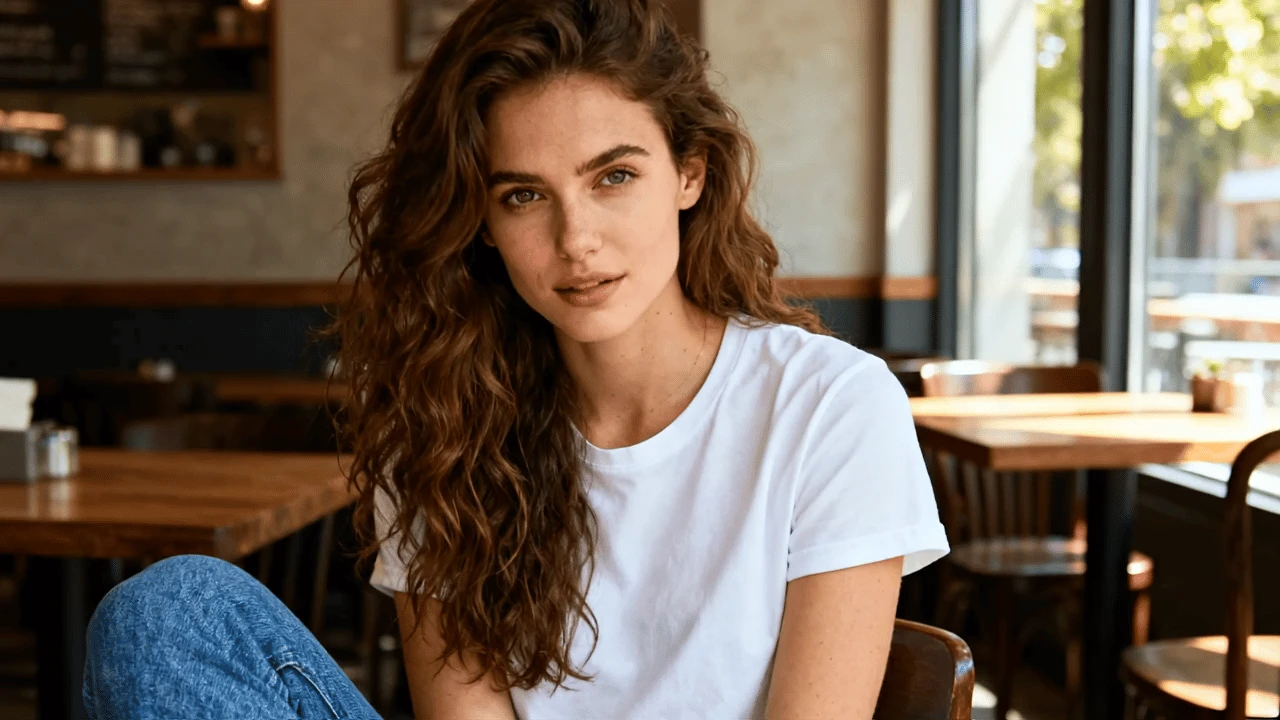 Interactions
AI Talking Photo
Turn a portrait or short brief into AI Talking Photo with convincing interaction, stable faces, natural timing, and a polished social-video finish.
Explore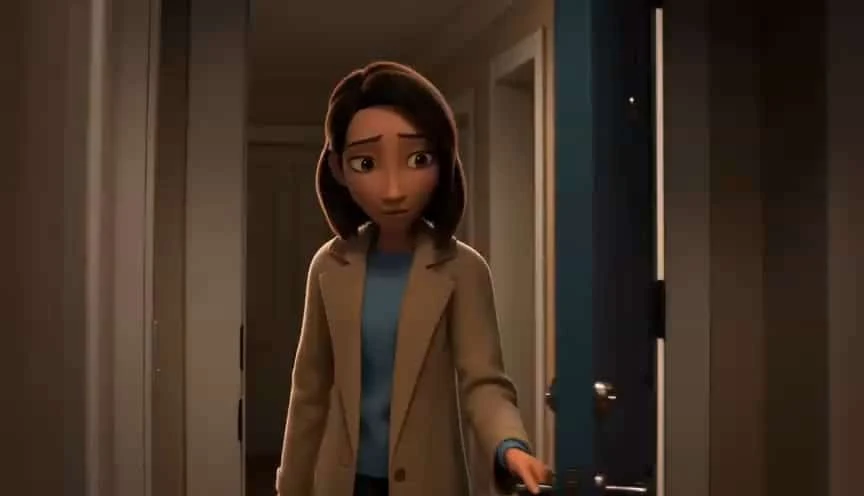 Appearance
3D AI Video Generator
Transform an uploaded portrait with 3D AI Video Generator, preserving the subject while adding coherent motion, readable detail, and a polished visual reveal.
Explore Appearance
Morphskin Video Effect
Transform an uploaded portrait with Morphskin Video Effect, preserving the subject while adding coherent motion, readable detail, and a polished visual reveal.
Explore Appearance
AI Venom Video
Transform an uploaded portrait with AI Venom Video, preserving the subject while adding coherent motion, readable detail, and a polished visual reveal.
Explore Appearance
Micro Beasts
Transform an uploaded portrait with Micro Beasts, preserving the subject while adding coherent motion, readable detail, and a polished visual reveal.
Explore Appearance
AI Happy Smile
Transform an uploaded portrait with AI Happy Smile, preserving the subject while adding coherent motion, readable detail, and a polished visual reveal.
Explore Appearance
Hair Color Change
Transform an uploaded portrait with Hair Color Change, preserving the subject while adding coherent motion, readable detail, and a polished visual reveal.
Explore Appearance
Action Figure Video
Transform an uploaded portrait with Action Figure Video, preserving the subject while adding coherent motion, readable detail, and a polished visual reveal.
Explore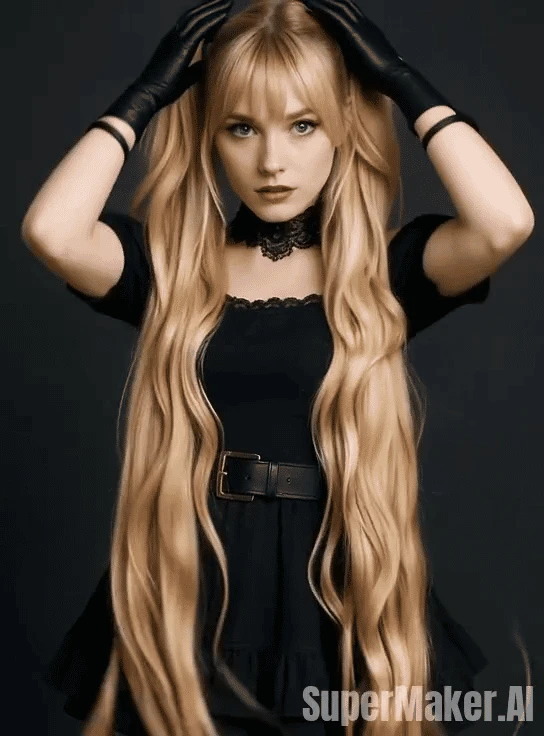 Appearance
AI Hair Growth
Transform an uploaded portrait with AI Hair Growth, preserving the subject while adding coherent motion, readable detail, and a polished visual reveal.
Explore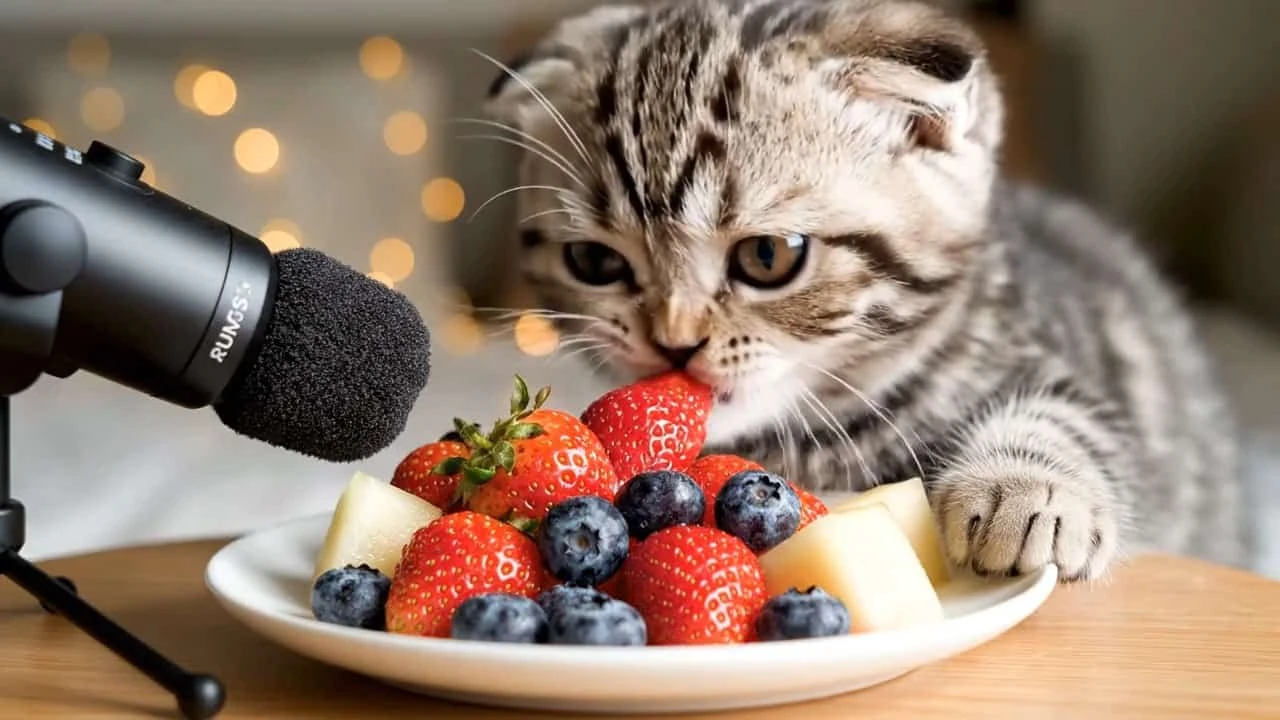 Pets
PetsCat Eating Food
Use a pet photo or description to create Cat Eating Food with expressive animal motion, stable features, playful pacing, and a clean shareable result.
Explore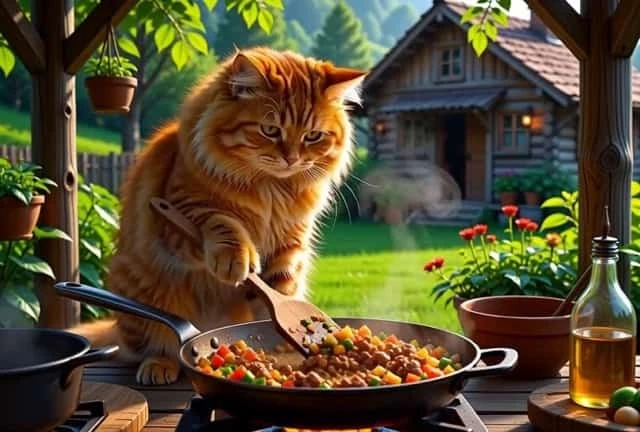 Pets
PetsAI Cat Video Generator
Use a pet photo or description to create AI Cat Video Generator with expressive animal motion, stable features, playful pacing, and a clean shareable result.
Explore Pets
PetsHalloween Pet Hat
Use a pet photo or description to create Halloween Pet Hat with expressive animal motion, stable features, playful pacing, and a clean shareable result.
Explore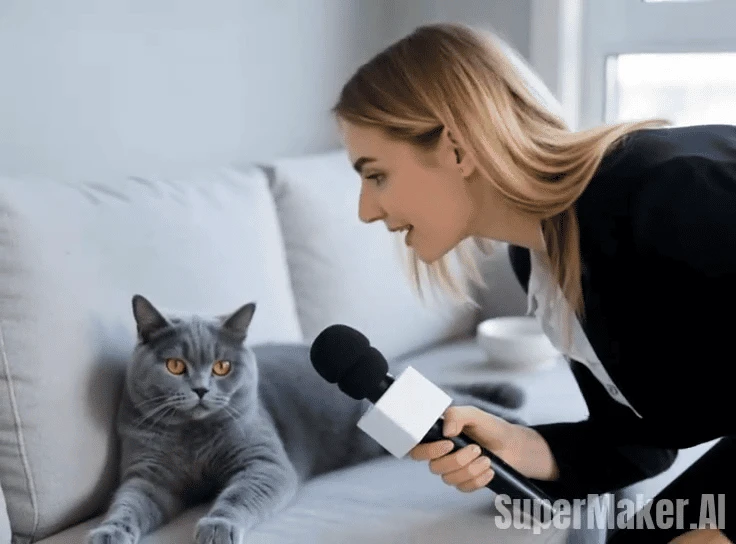 Pets
PetsPet Interview
Use a pet photo or description to create Pet Interview with expressive animal motion, stable features, playful pacing, and a clean shareable result.
Explore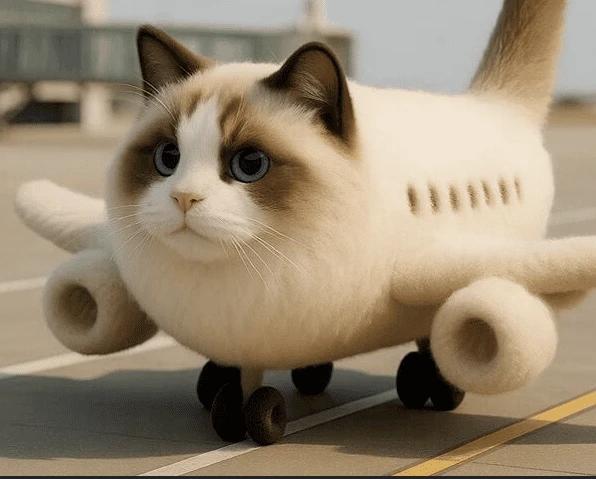 Pets
PetsAI Kitty Plane Video Generator
Use a pet photo or description to create AI Kitty Plane Video Generator with expressive animal motion, stable features, playful pacing, and a clean shareable result.
Explore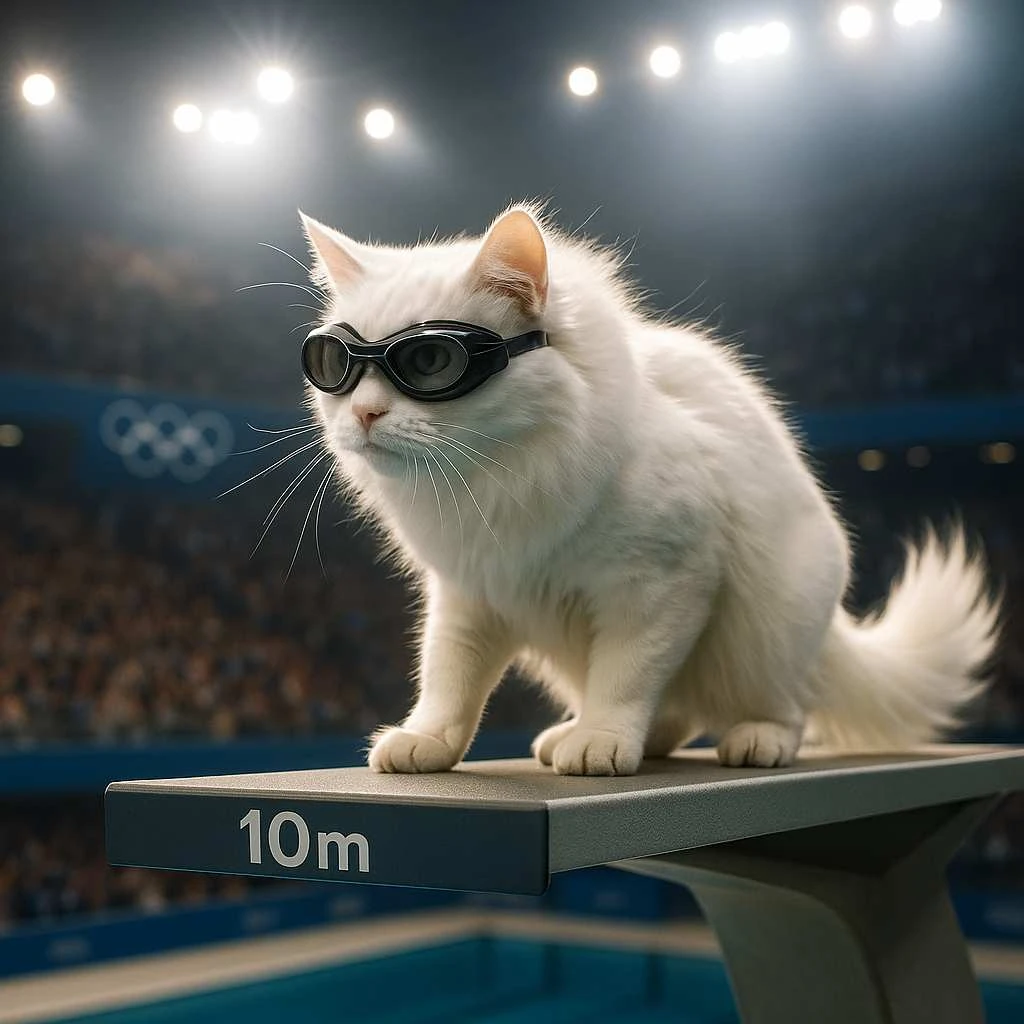 Pets
PetsAI Cat Diving Olympics
Use a pet photo or description to create AI Cat Diving Olympics with expressive animal motion, stable features, playful pacing, and a clean shareable result.
Explore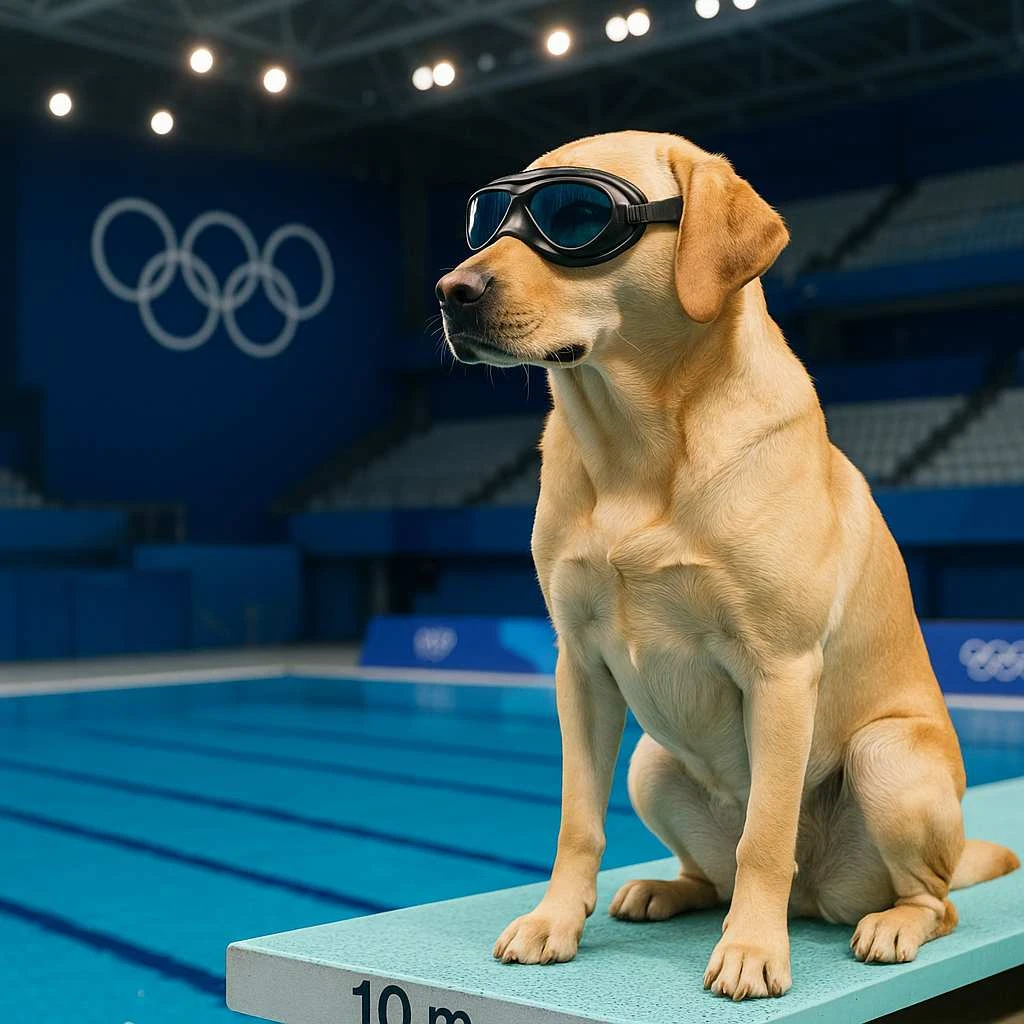 Pets
PetsAI Dog Diving Olympics
Use a pet photo or description to create AI Dog Diving Olympics with expressive animal motion, stable features, playful pacing, and a clean shareable result.
Explore Entertainment
Hotel Lobby AI Video
Create Hotel Lobby AI Video from a focused prompt or source image, with energetic movement, clear staging, consistent subjects, and social-ready pacing.
Explore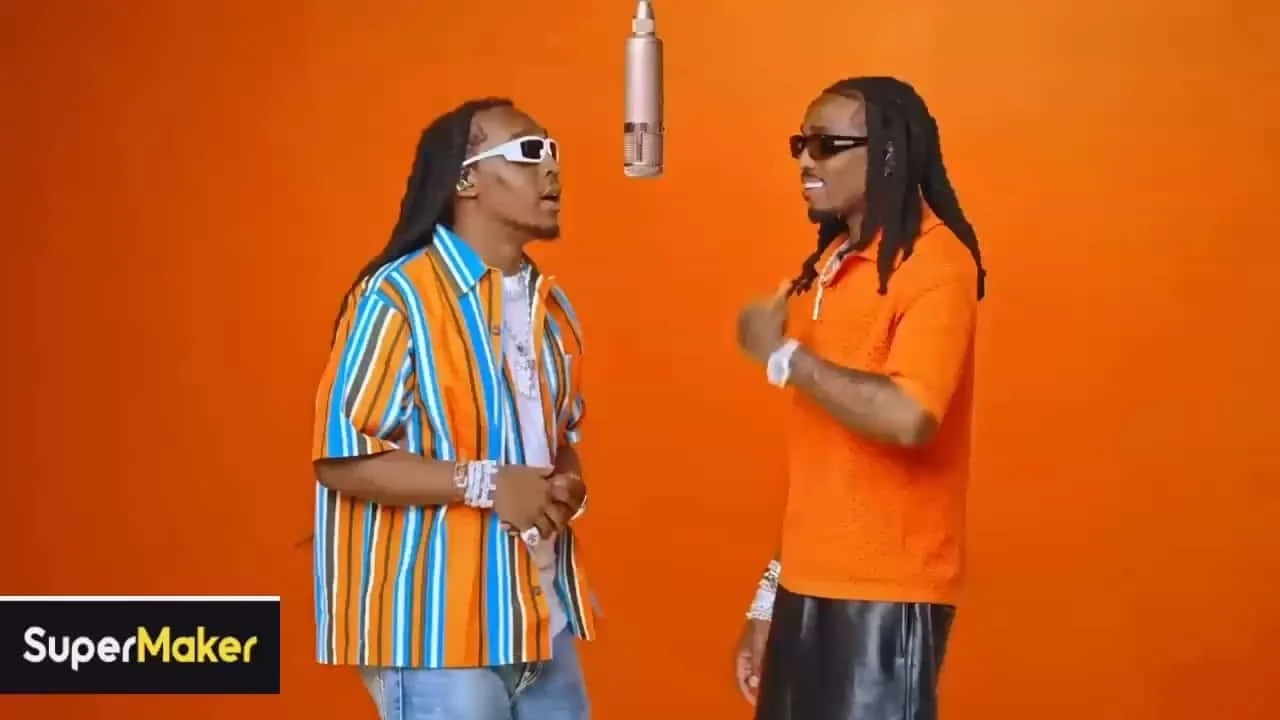 Entertainment
AI Rap Duo Video
Create AI Rap Duo Video from a focused prompt or source image, with energetic movement, clear staging, consistent subjects, and social-ready pacing.
Explore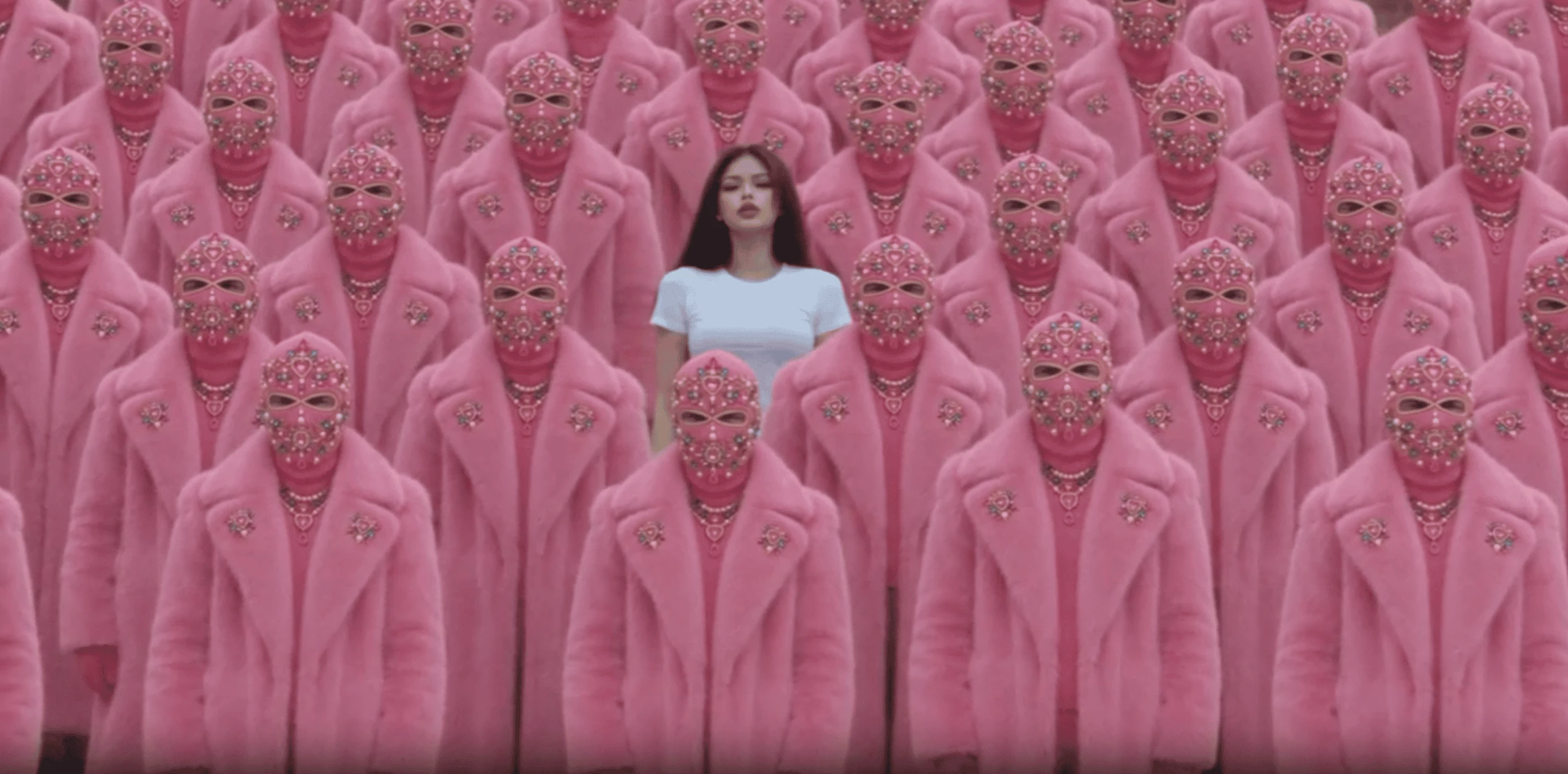 Entertainment
STORM II AI video
Create STORM II AI video from a focused prompt or source image, with energetic movement, clear staging, consistent subjects, and social-ready pacing.
Explore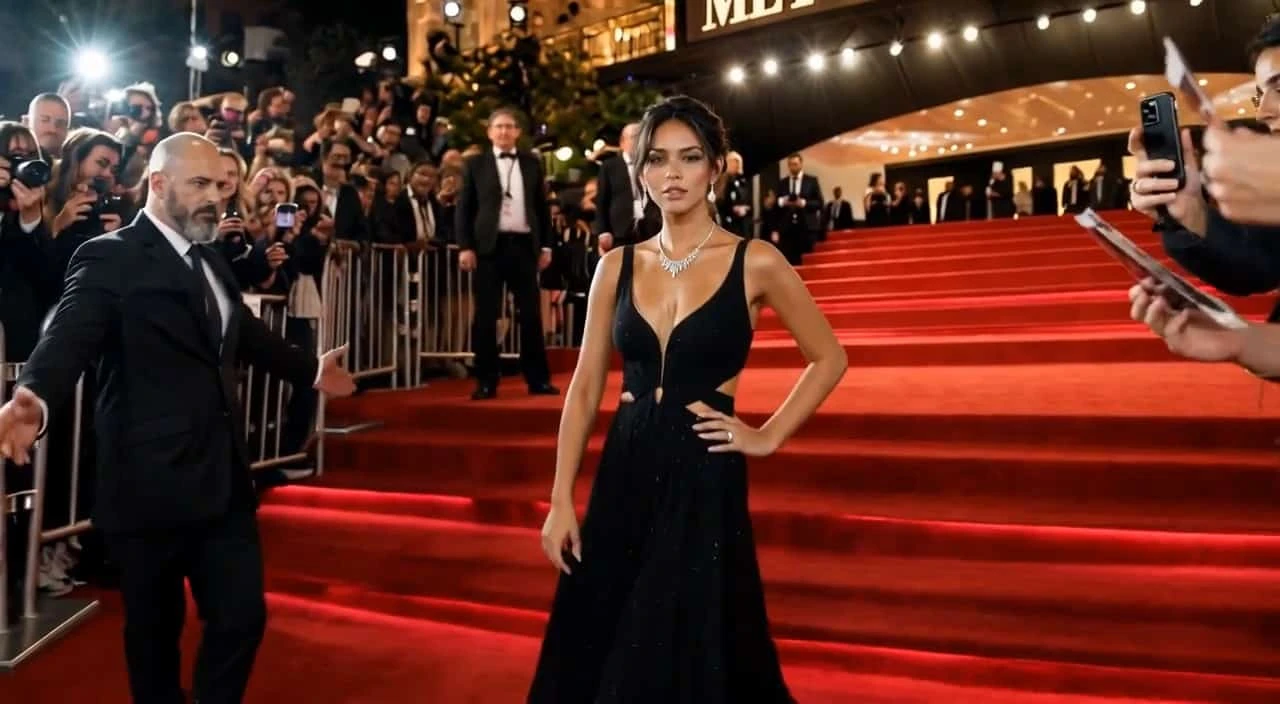 Entertainment
AI Red Carpet Video
Create AI Red Carpet Video from a focused prompt or source image, with energetic movement, clear staging, consistent subjects, and social-ready pacing.
Explore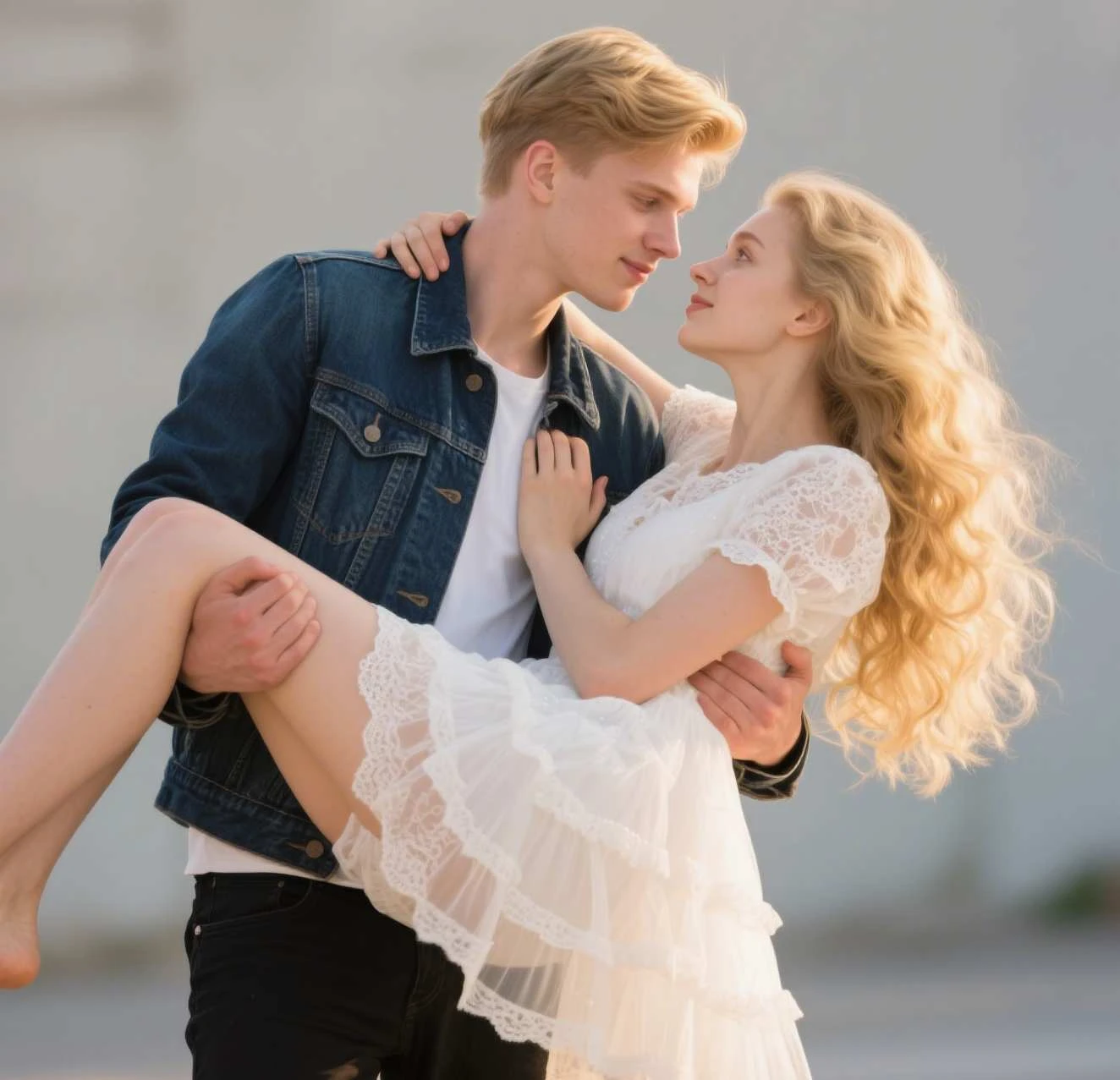 Entertainment
AI Bridal Carry
Create AI Bridal Carry from a focused prompt or source image, with energetic movement, clear staging, consistent subjects, and social-ready pacing.
Explore Entertainment
AI Mukbang Generator
Create AI Mukbang Generator from a focused prompt or source image, with energetic movement, clear staging, consistent subjects, and social-ready pacing.
Explore Entertainment
Bigfoot Video Generator
Create Bigfoot Video Generator from a focused prompt or source image, with energetic movement, clear staging, consistent subjects, and social-ready pacing.
Explore Entertainment
ASMR Video Generator
Create ASMR Video Generator from a focused prompt or source image, with energetic movement, clear staging, consistent subjects, and social-ready pacing.
Explore Festivals
AI Christmas Dance Maker
Make AI Christmas Dance Maker from a portrait or product image, adding seasonal styling, lively motion, and a polished festive finish for sharing.
Explore Festivals
Valentine's Day Video Maker
Make Valentine's Day Video Maker from a portrait or product image, adding seasonal styling, lively motion, and a polished festive finish for sharing.
Explore Festivals
AI Santa Video
Make AI Santa Video from a portrait or product image, adding seasonal styling, lively motion, and a polished festive finish for sharing.
Explore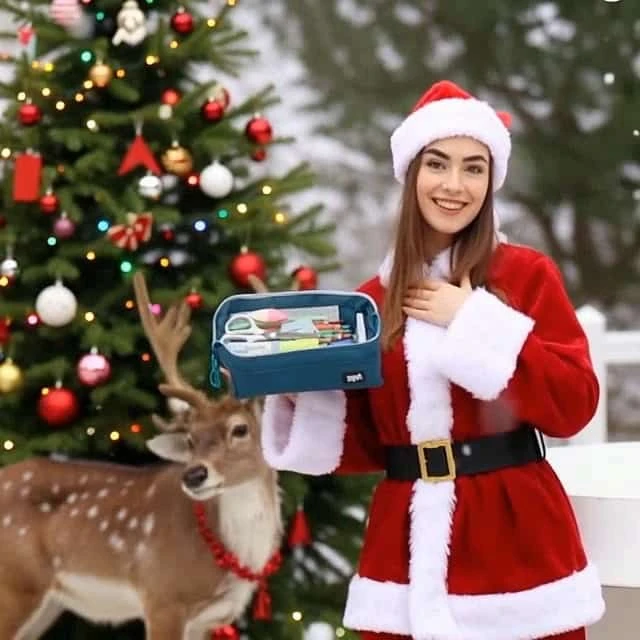 Festivals
Xmas Girl Product Ad
Make Xmas Girl Product Ad from a portrait or product image, adding seasonal styling, lively motion, and a polished festive finish for sharing.
Explore Festivals
AI Christmas Snow Globe Filter
Make AI Christmas Snow Globe Filter from a portrait or product image, adding seasonal styling, lively motion, and a polished festive finish for sharing.
Explore Festivals
AI Christmas Pet Video
Make AI Christmas Pet Video from a portrait or product image, adding seasonal styling, lively motion, and a polished festive finish for sharing.
Explore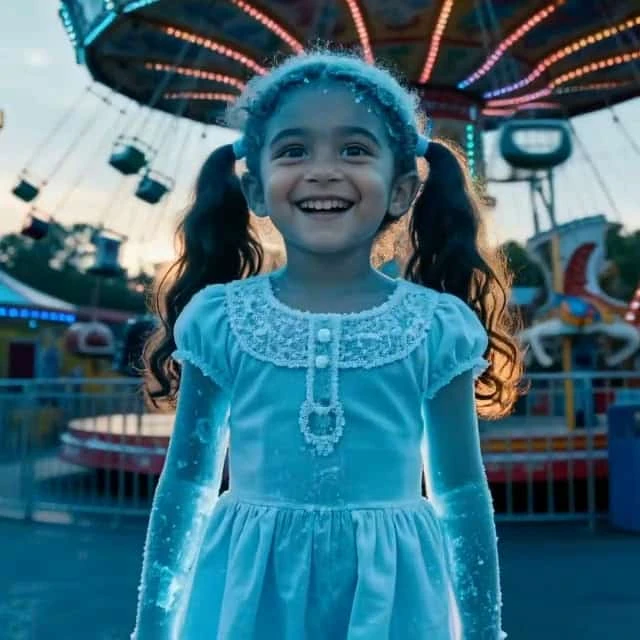 Festivals
AI Ice Sculpture
Make AI Ice Sculpture from a portrait or product image, adding seasonal styling, lively motion, and a polished festive finish for sharing.
Explore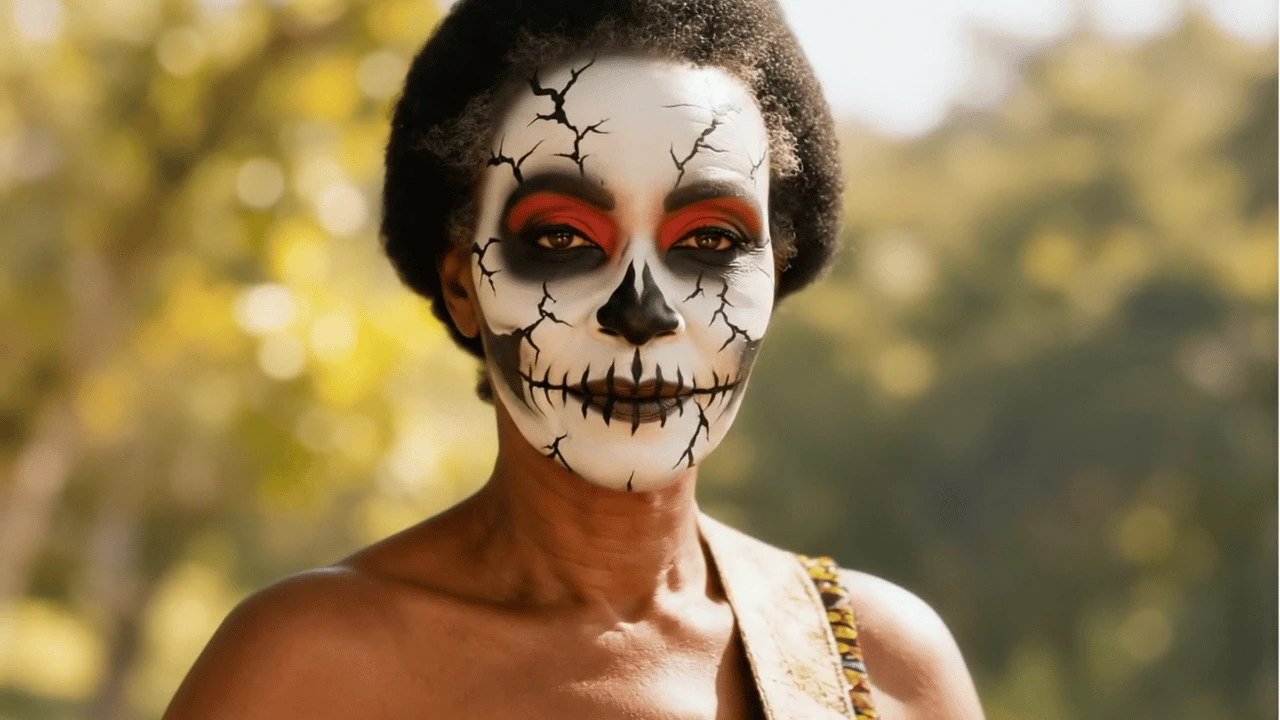 Festivals
Halloween Makeup
Make Halloween Makeup from a portrait or product image, adding seasonal styling, lively motion, and a polished festive finish for sharing.
Explore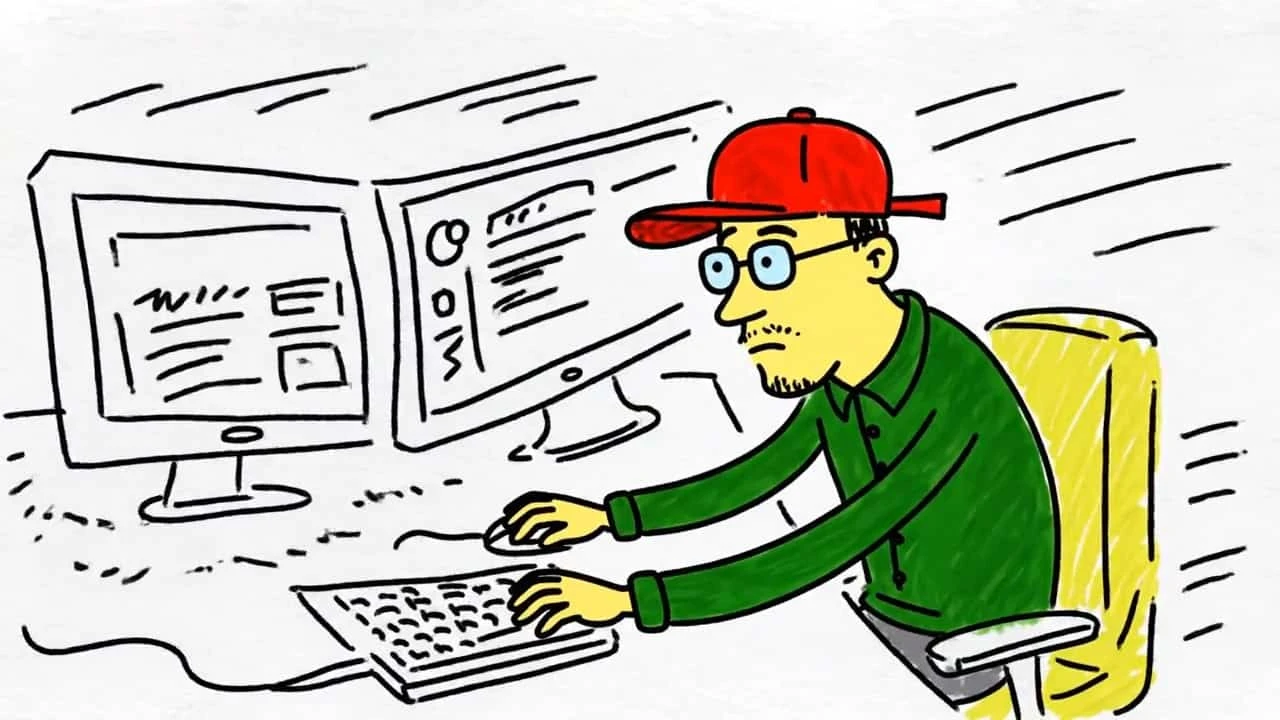 Others
Sketch to Video AI
Build Sketch to Video AI from a prompt or uploaded asset, with practical controls, stable visual details, and an export-ready creative result.
Explore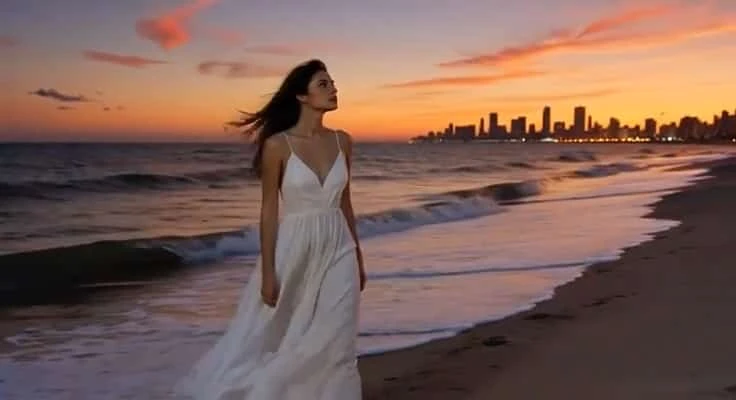 Others
Day to Night Effect
Build Day to Night Effect from a prompt or uploaded asset, with practical controls, stable visual details, and an export-ready creative result.
Explore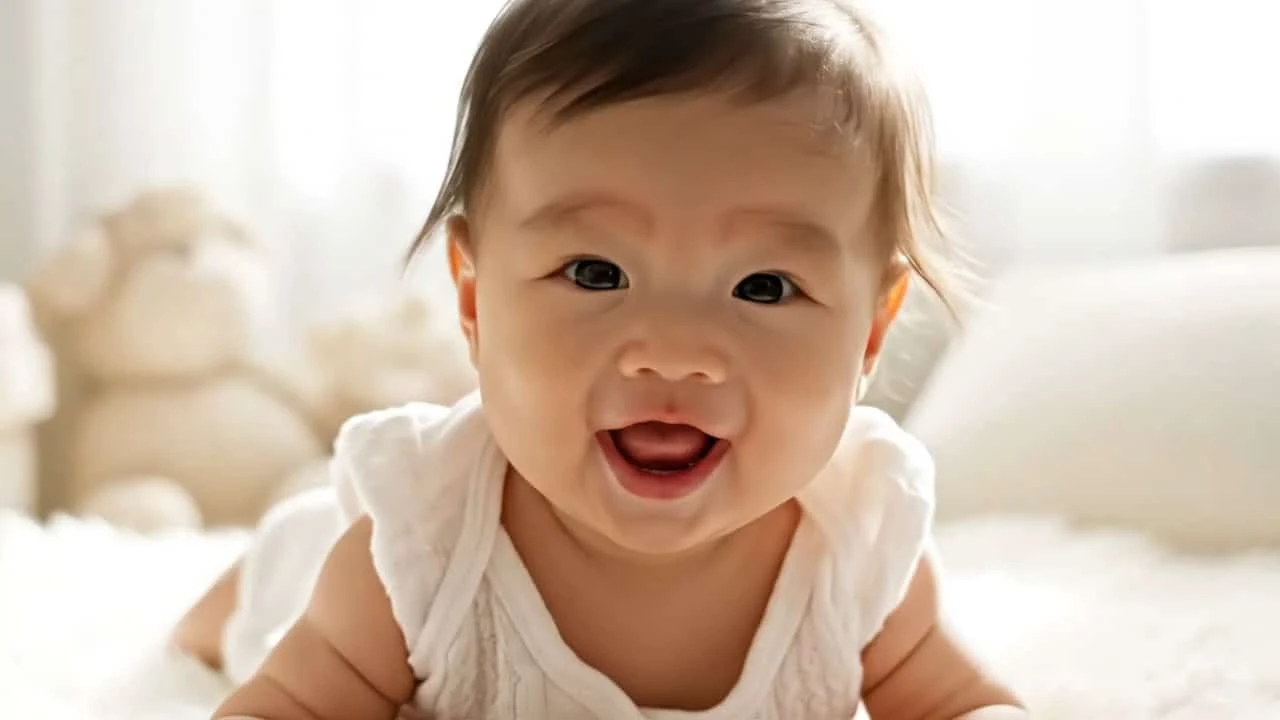 Others
AI Baby Video Generator
Build AI Baby Video Generator from a prompt or uploaded asset, with practical controls, stable visual details, and an export-ready creative result.
Explore Others
AI 360° Rotation Video Generator
Build AI 360° Rotation Video Generator from a prompt or uploaded asset, with practical controls, stable visual details, and an export-ready creative result.
Explore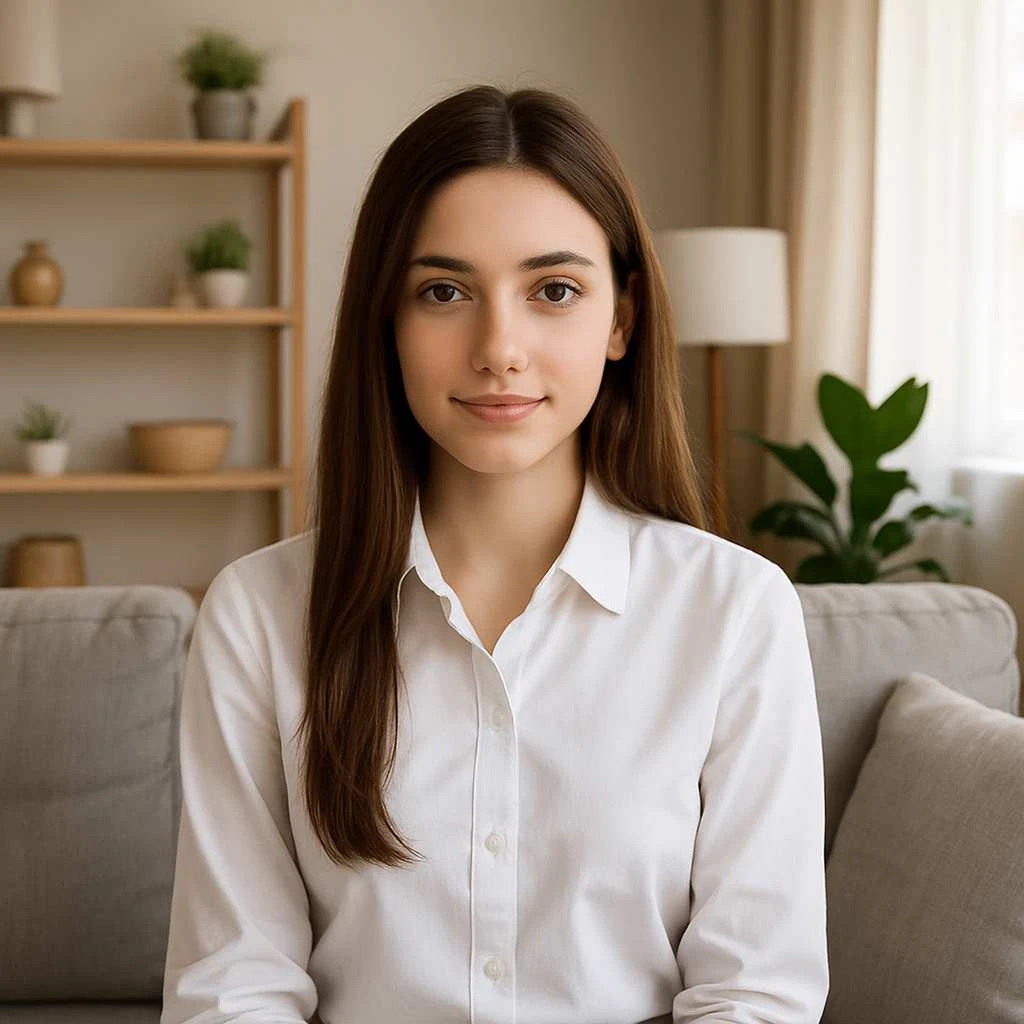 Others
AI Avatar Generator
Build AI Avatar Generator from a prompt or uploaded asset, with practical controls, stable visual details, and an export-ready creative result.
ExploreSeedance 3.0 AI Video Maker: From Ideas to Cinematic Experiences
Turn a written scene, production brief, or still image into a deliberate video sequence without breaking the creative flow. Seedance 3.0 connects text-to-video and image-to-video generation with model choice, reference material, framing, duration, resolution, sound, and version review. Move beyond isolated clips by carrying the strongest prompt decisions and visual assets through each stage of a practical, film-minded workflow.
Choose credits and create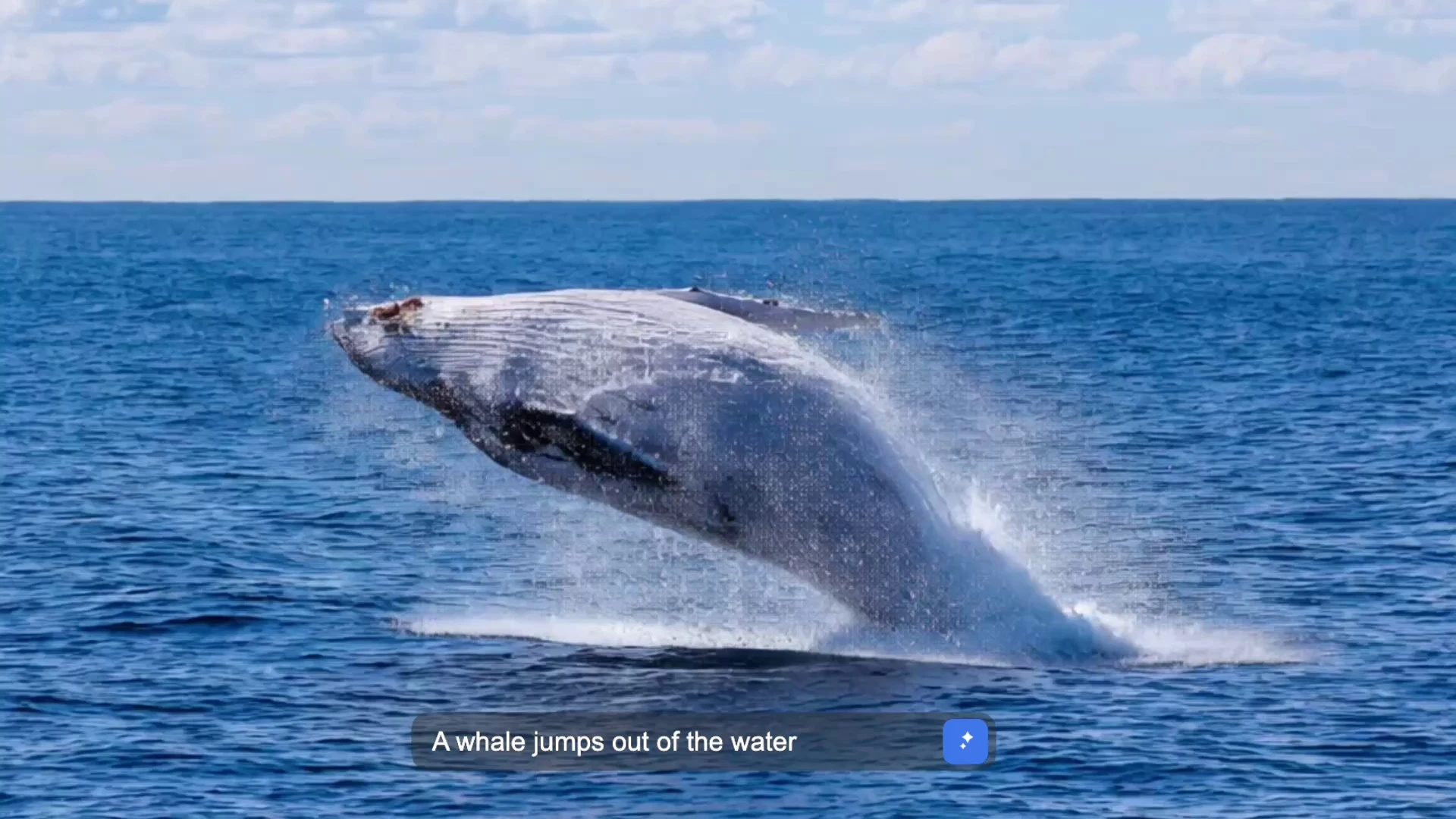
- Text to Video
- Image to Video
- Private Results
- Credits Required
Beyond a Generator: Your Production Partner
Discover a production-centered AI Video Maker connecting text-to-video and image-to-video with the controls, assets, sound, and review needed for a complete project. Seedance 3.0 moves an early idea toward a polished sequence without scattering the work across disconnected tools or losing the strongest creative decisions.
Start with One Click, Then Expand into a Complete Video Workflow
Describe a clear text-to-video scene or upload a useful first-frame image. Choose the model, framing, resolution, duration, seed, and output count, then create a professional first pass without building a complicated editing timeline.
Keep the prompt, source image, and settings visible so the first result can guide the next scene, continuity decision, and production step.
Create a videoTurn Focused Ideas into Striking Videos and Full Narratives
Define the subject, action, environment, style, and camera direction. A campaign idea, complete script, or reference image can become a coherent sequence that communicates more than one visual beat.
Compare the first pass, keep strong scenes, and develop the narrative without losing its intention.
Create a videoA Connected AI Studio for Every Stage of Video Production
Keep generated scenes, approved frames, prompts, voice concepts, and music directions in one project flow. Reuse strong assets, combine related clips, and preserve the visual decisions that should remain stable.
Connect visual development, sound, and editing.
Create a video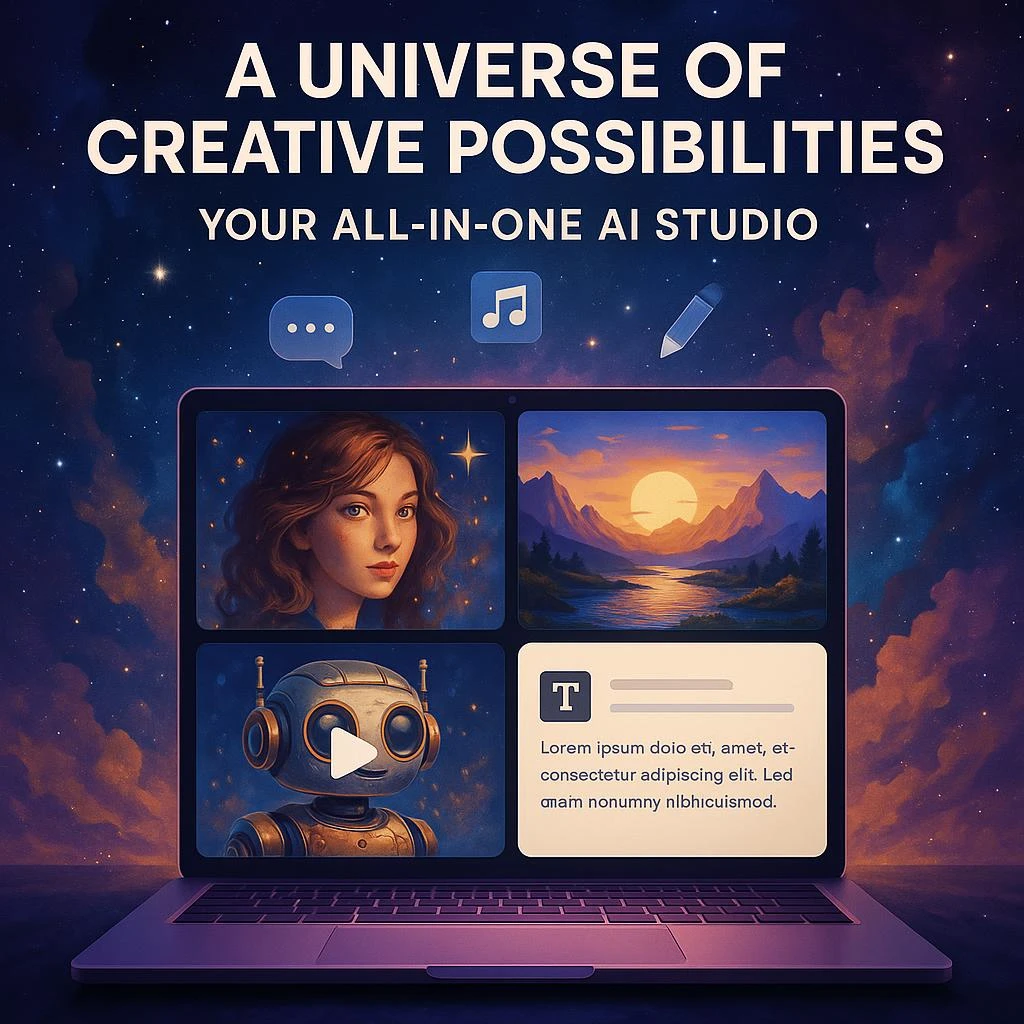
AI Video Power for Every Creator, from Quick Clips to Feature Concepts
Use framing, camera movement, continuity, and sound without mastering a dense editor first. Visible controls stay approachable while supporting the deliberate choices an experienced filmmaker expects.
Create clips, product stories, lessons, and narrative plans.
Create a videoBest AI Video Tools for Creative Projects
Explore focused video tools and practical workflows for turning drawings, documents, portraits, photographs, and clear concepts into finished projects.
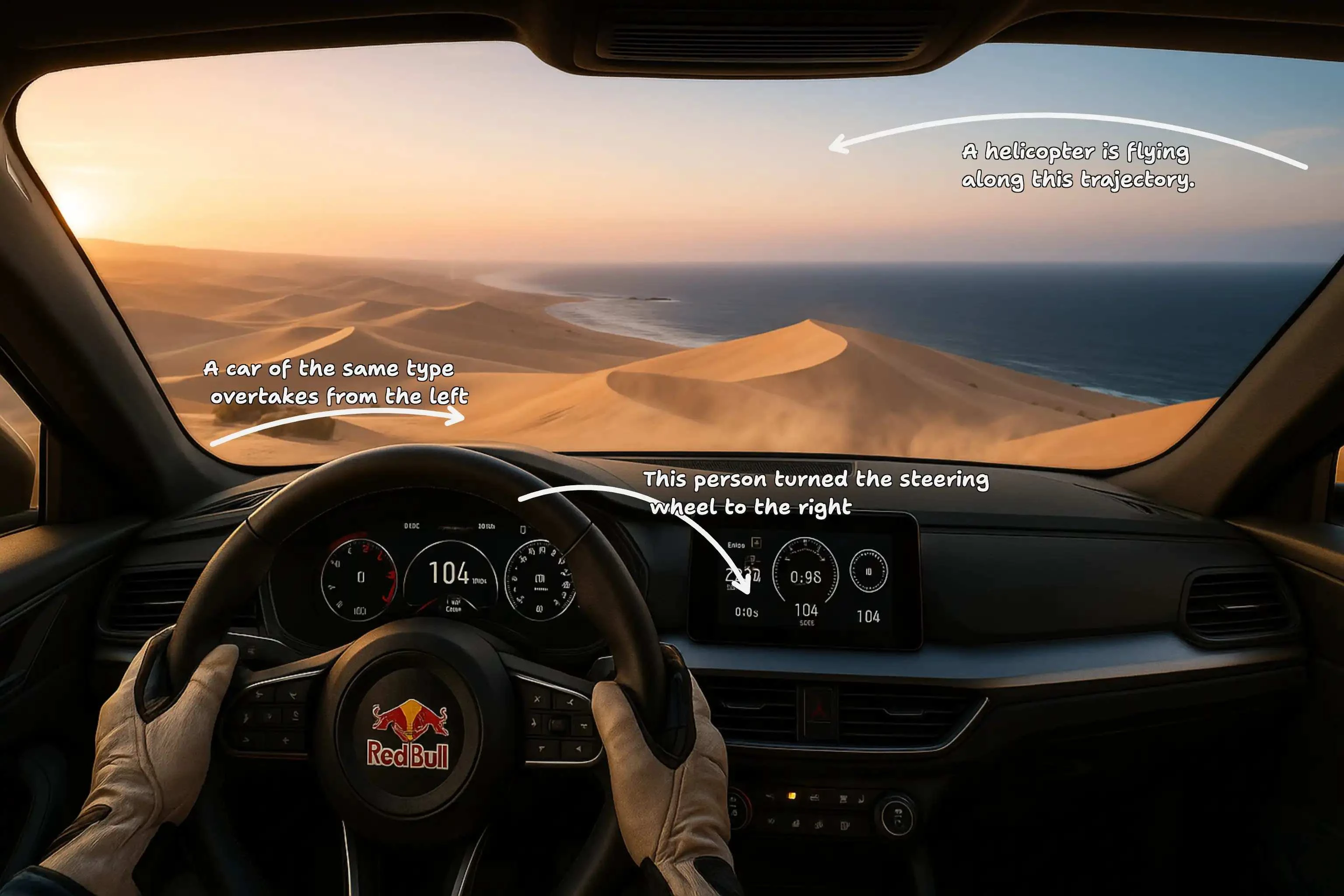 Draw to Video
 AI Ad Generator
 Video Character Swap AI
 AI Face Swap Video Generator
 AI Clip Video Generator
 I2V Generator
 Multi-Shot Video Generator
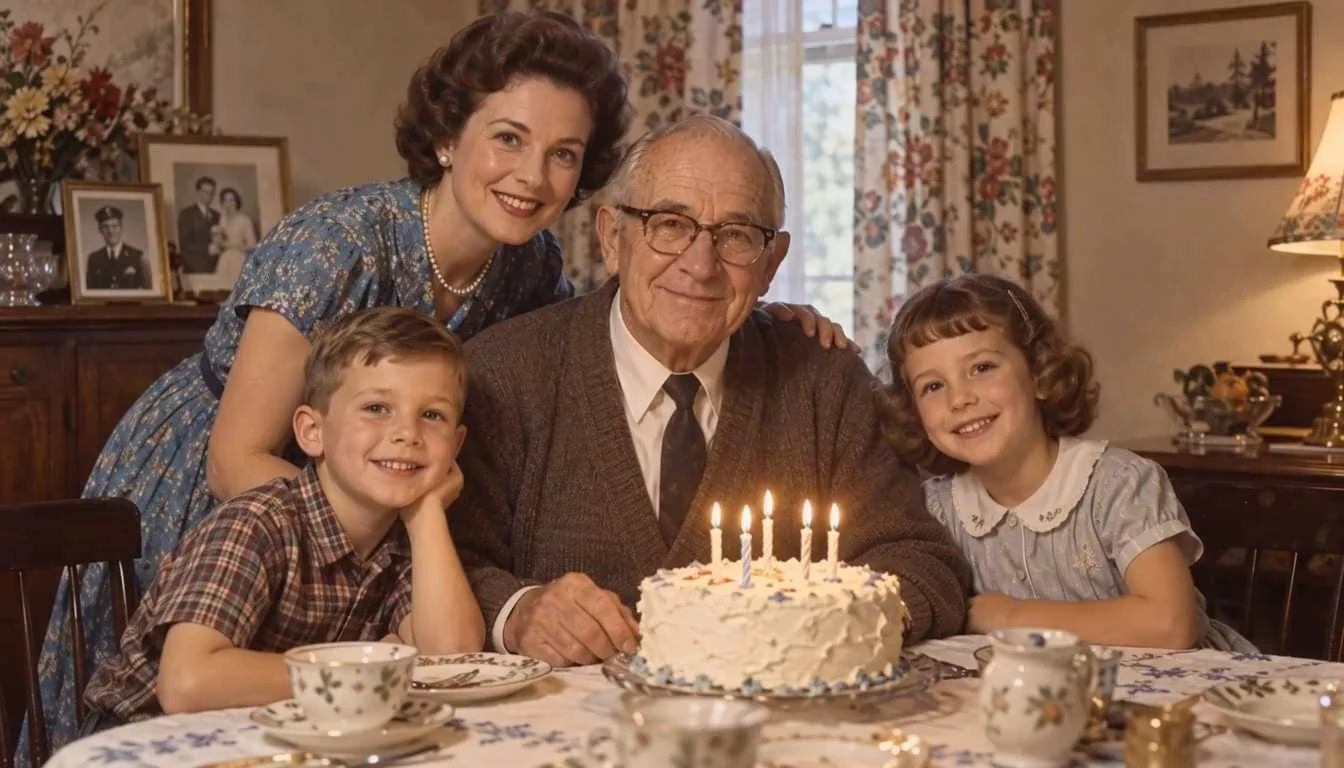 Animate Old Photos
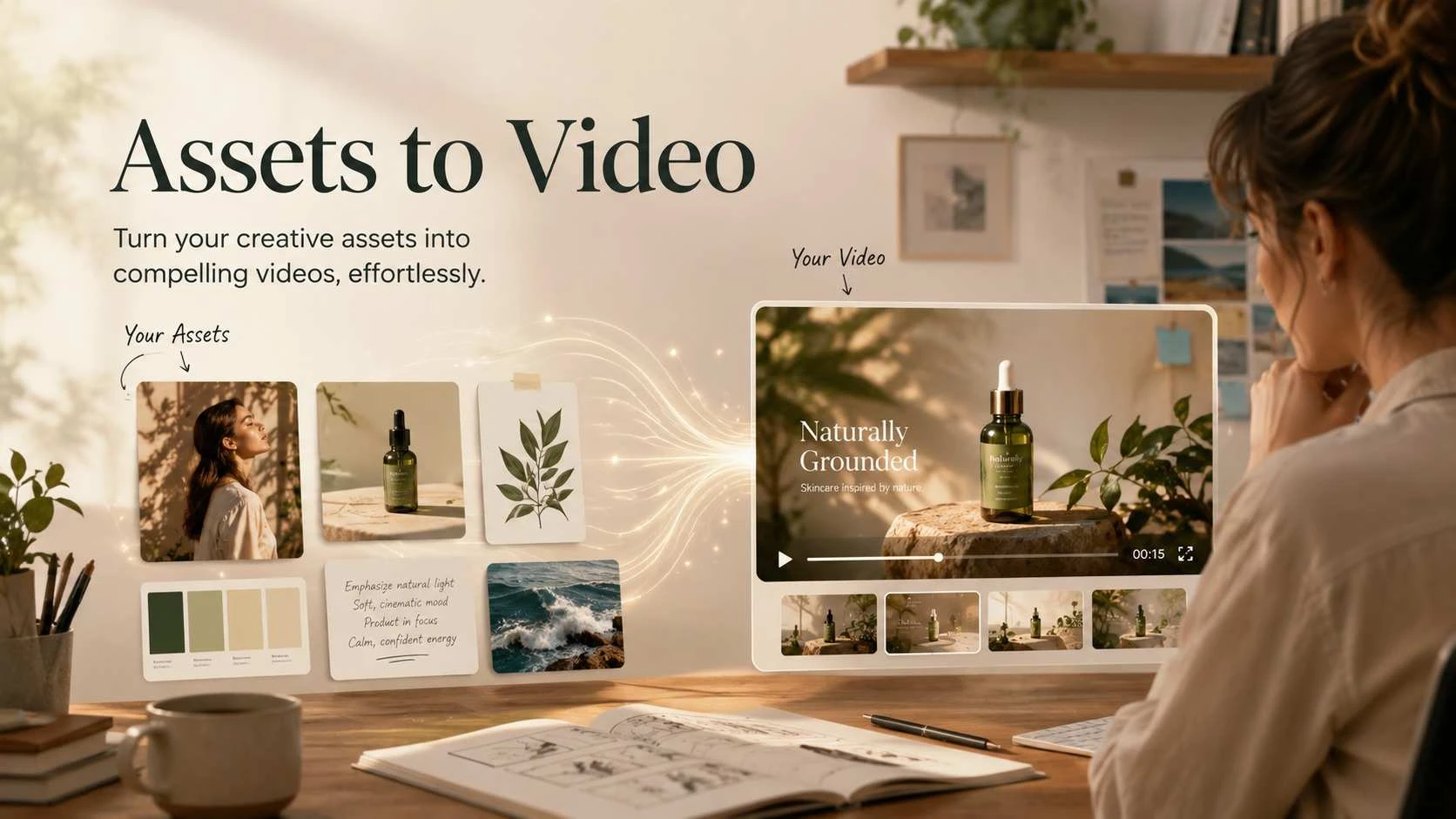 Assets to Video
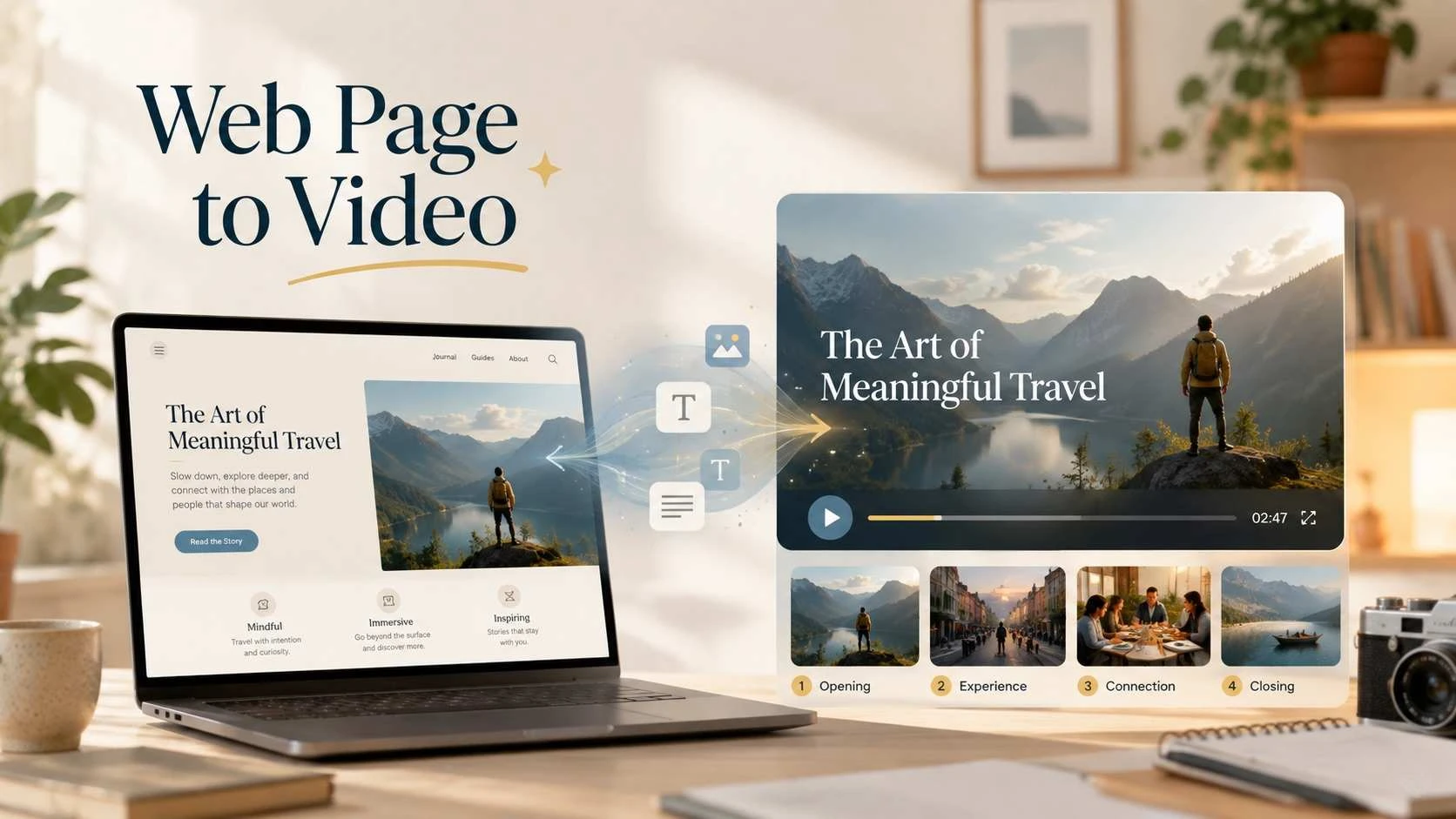 Web Page to Video
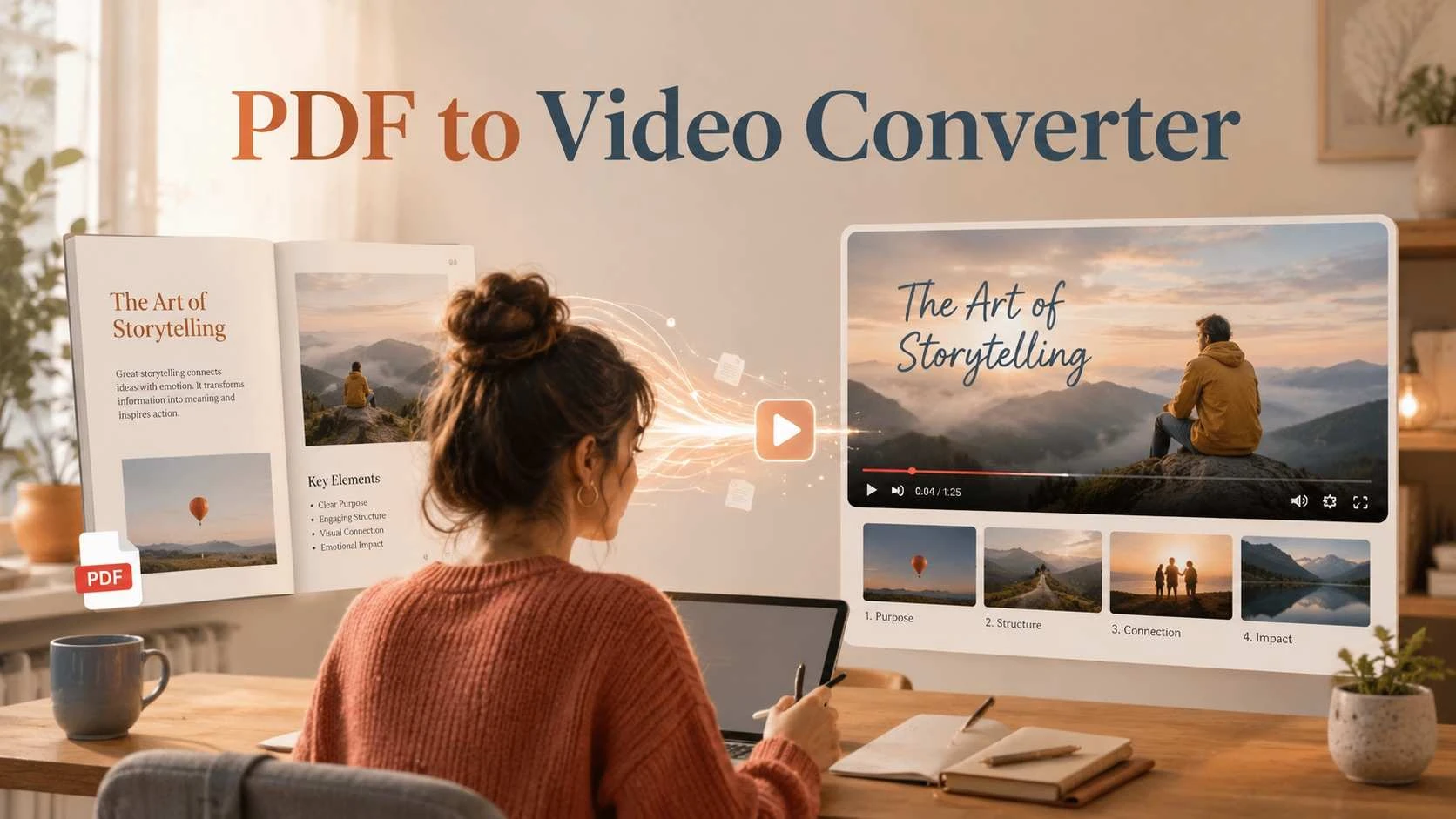 PDF to Video Converter
 URL to Video Generator
 Website to Video AI
 Anything to Video Tool
 AI Doc to Video
 AI Video Upscaler
 AI Montage Maker
 AI Drama Generator
 Cartoon Video Maker
 Animate Logo
 AI Video Editor
 Bulk Video Generator
 AI GIF Generator
 AI TikTok Video Generator
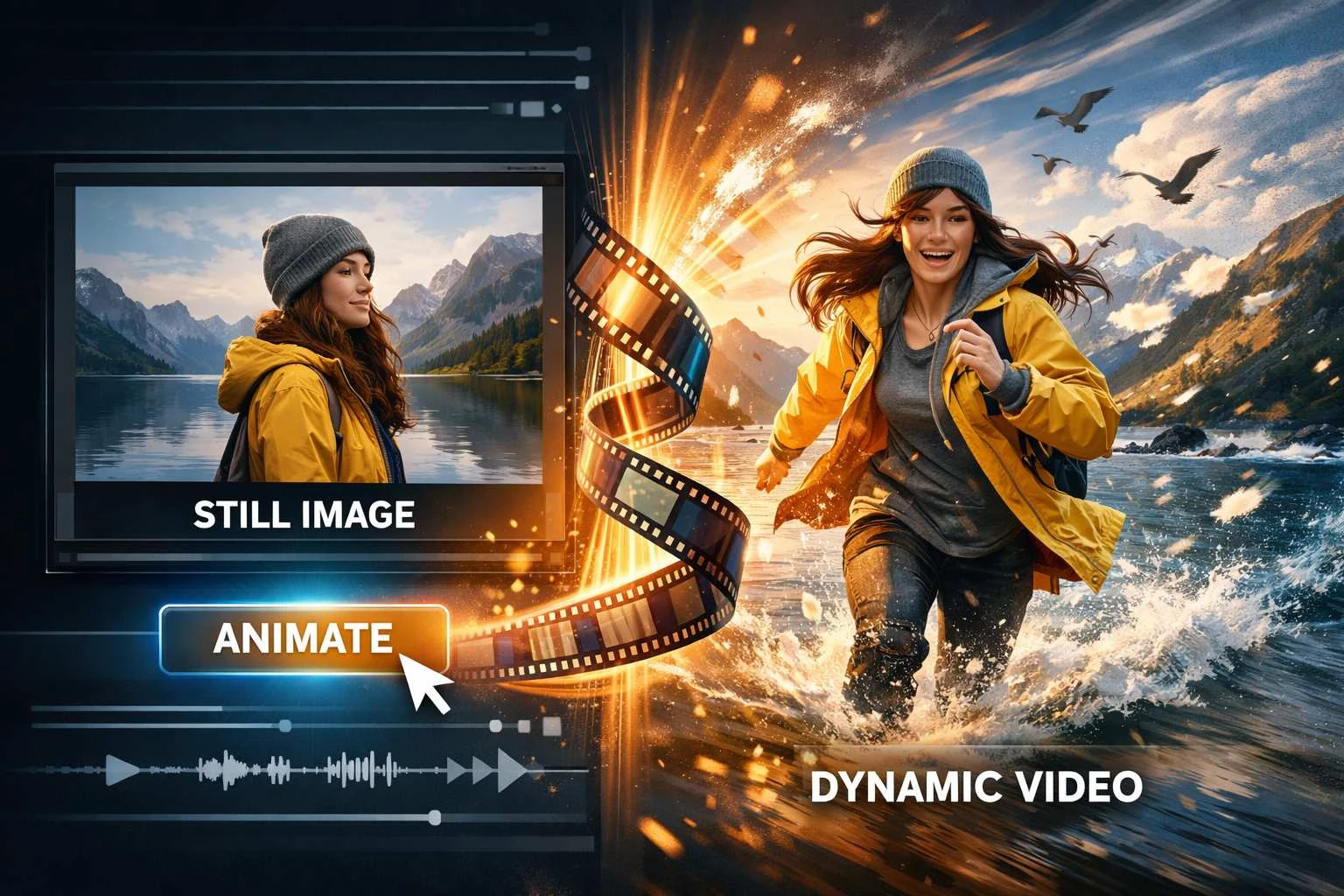 AI Animate Photo Tool
Unlock Cinematic Potential with Seedance 3.0 AI Video Maker
Transform text, scripts, and images into compelling professional video, then connect model choice, creative control, sound, assets, and review into a complete cinematic workflow.
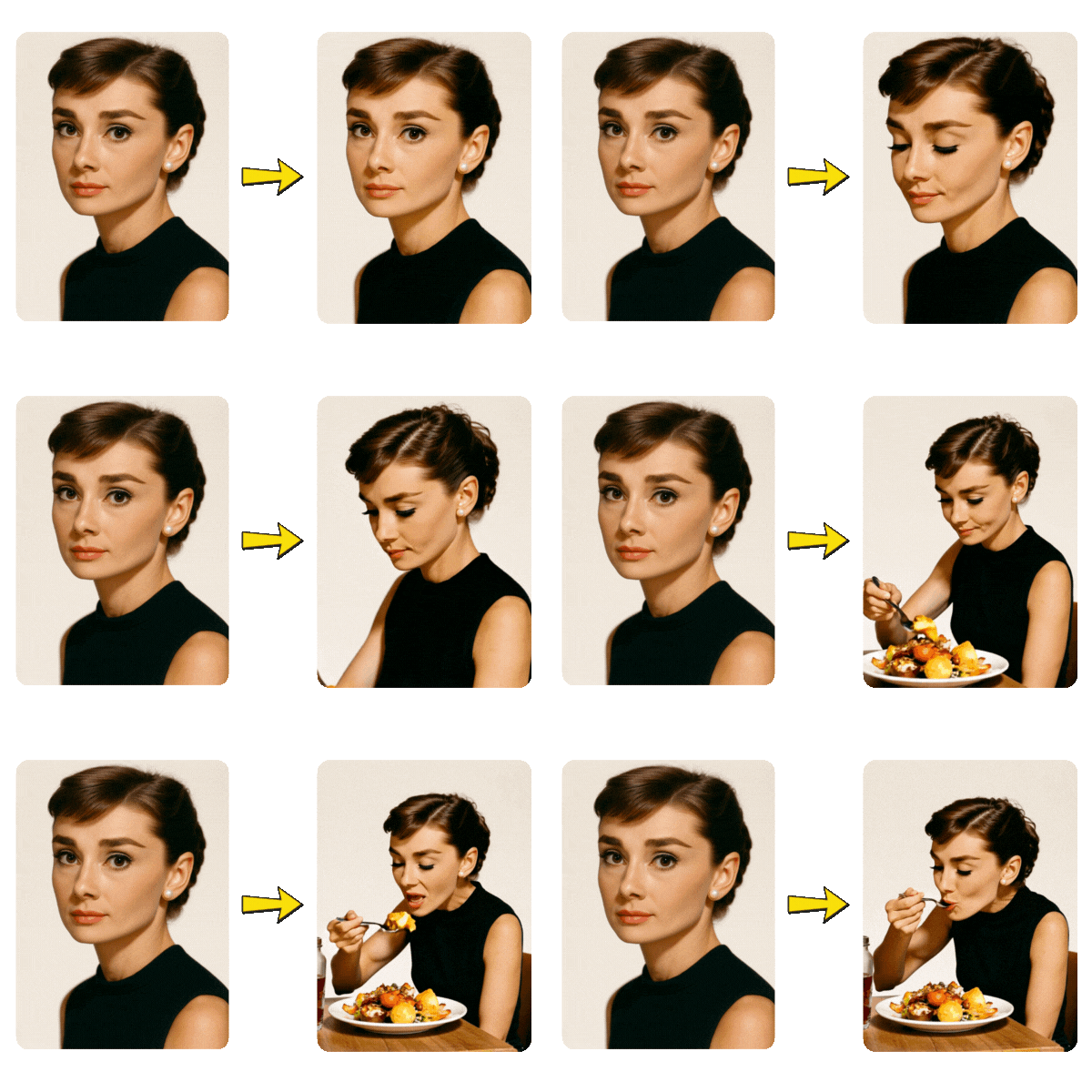
Core AI Generation: Text-to-Video & Image-to-Video
Bring a complete video concept to life from a written brief, script, first frame, or focused visual references. Text-to-video turns the subject, action, environment, style, and camera direction into a readable scene, while image-to-video adds motion without discarding the useful identity and composition already present in the source. Choose the right model and output controls, create a first pass, and develop the strongest result into a visual sequence that communicates the original idea.
Try this workflow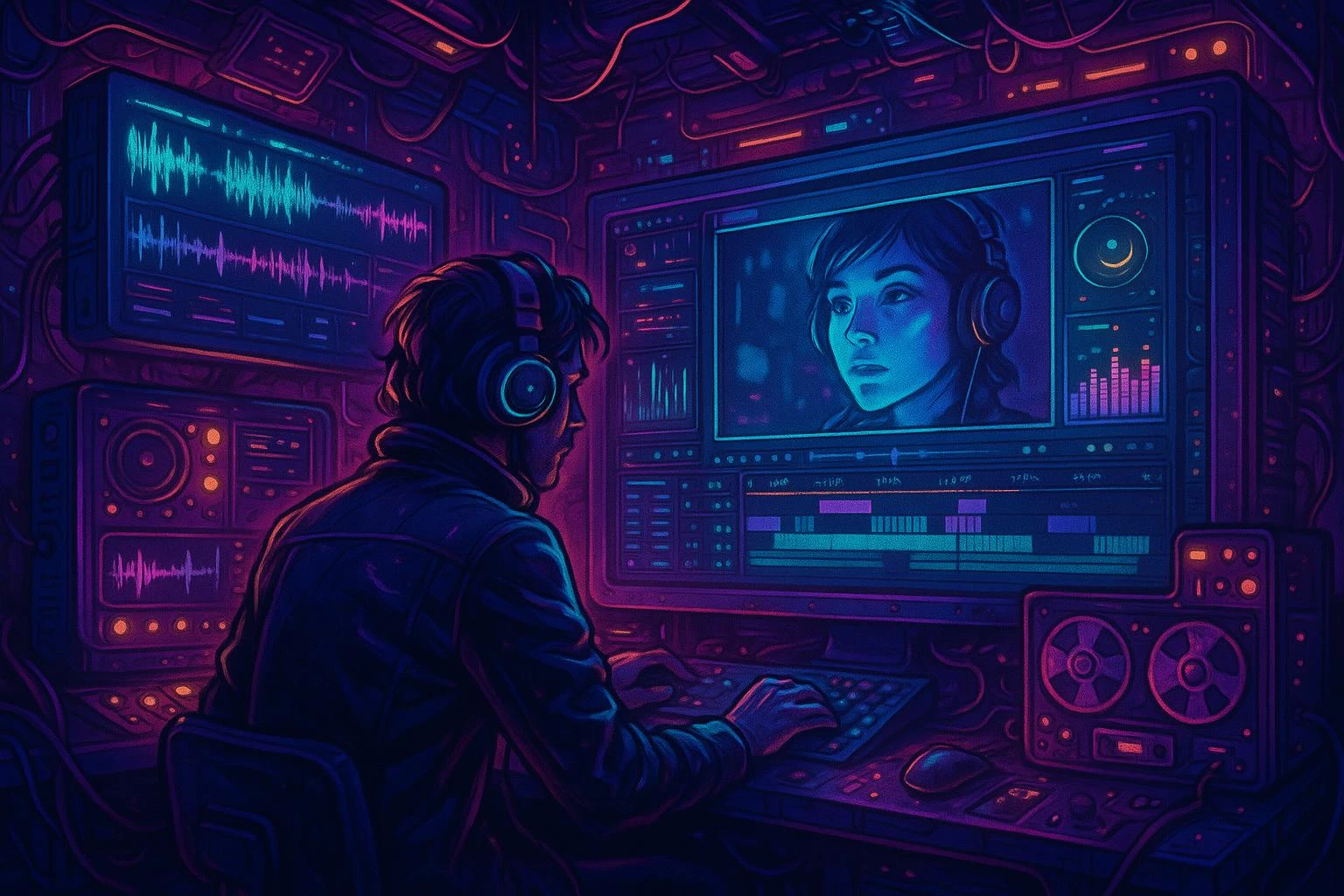
Full Creative Control: Customization and Integrated Planning
Tailor each scene to the production goal instead of accepting a generic output. Keep style, resolution, aspect ratio, duration, seed, subject identity, composition, motion, and camera language explicit so the result stays aligned with the brand and audience. Use the prompt and reference workflow to establish the scene, protect details that must remain stable, preview a controlled version, and revise one important variable at a time. This makes every iteration easier to evaluate.
Try this workflowComplete Production Suite: Editing, Sound, and Post-Production
Treat generated footage as part of a complete cinematic workflow. Review the shot, refine pacing and composition, then coordinate narration, dialogue, music, and sound so the scene feels intentional rather than assembled from unrelated assets. Seedance 3.0 connects video with voice and music creation, making it easier to compare versions, combine clips, and prepare a polished result. Preserve strong motion and continuity while correcting the elements that weaken the message before export.
Try this workflow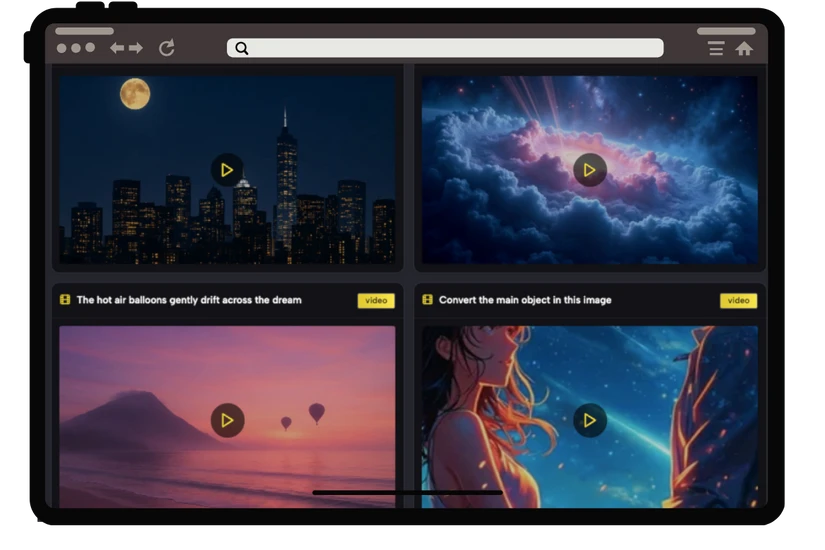
Seamless Workflow: Asset Management and Collaboration
Keep source images, reference frames, prompts, seeds, generated scenes, and approved versions organized throughout the project. A text-to-video result can guide the next shot, while an image-to-video experiment can be compared with later versions without losing the source. This reduces repeated setup, supports more consistent characters and environments, and gives collaborators a clear record of what changed. Reuse the strongest material while reviewing continuity, message, format, and delivery quality.
Try this workflowCreate Powerful AI Videos in Four Simple Steps with Seedance 3.0
Move from an initial idea to a reviewable video through four deliberate stages. Seedance 3.0 keeps text-to-video and image-to-video inputs, model choice, framing, duration, resolution, seed, output count, and finished media in one understandable journey, helping creators make confident production decisions without losing momentum.
- 1
Describe or Upload
Explain the subject, action, environment, style, and camera movement in a clear order. For image-to-video, upload a strong first frame with a recognizable subject and composition. A specific source helps the model preserve identity, communicate the action, and create a result that can be judged against the brief.
- 2
Tailor Your Video
Choose the model, aspect ratio, resolution, duration, seed, output count, and input mode. Match landscape or vertical framing to the destination and use higher resolution for delivery. Visible controls reduce hidden assumptions, while a consistent seed and reference set make related versions easier to compare.
- 3
One-Click Creation
Submit the brief and settings from the same workspace. Seedance 3.0 places the request in a private queue, stores media in protected R2, and reports progress without exposing provider details. Review motion, composition, continuity, sound, and format, and generate multiple versions only when comparison improves the decision.
- 4
Export or Enhance
Play the authenticated result, compare it with the production goal, and download the version worth keeping. Preserve the subject, framing, movement, or sound that works and revise the largest mismatch first. Carry the video into narration, music, more scenes, editing, color, or delivery formatting as a practical production starting point.
Empowering Limitless Creativity Across Industries with Seedance 3.0 AI Video Maker
Use Seedance 3.0 for marketing, social publishing, education, business communication, film development, and personal storytelling. Each context uses the same AI Video Maker, but its brief, pacing, aspect ratio, continuity, and review criteria should change for the audience and destination.
Marketing & Advertising Videos
Create product stories and campaign clips from a brief or approved imagery. Text-to-video visualizes the message, while image-to-video preserves recognizable packaging and composition. Compare directions, then keep the version that communicates the offer and focal action clearly.
Social Media Content
Turn updates, portraits, and assets into short scenes for feeds, stories, and vertical placements. Choose framing and duration for the platform, make the opening readable, and use consistent prompts or references while preserving the identity followers recognize.
Educational & Training Materials
Convert lesson plans, explanations, and diagrams into sequences with clear pacing. Text-to-video demonstrates a scenario, while image-to-video animates an instructional visual. Review factual clarity, movement, and timing so motion supports the learning objective.
Corporate Presentations & Communications
Add professional scenes to reports, announcements, and presentations. Translate written points into a visual metaphor or animate an approved image without changing its message. Restrained movement, clear composition, and landscape delivery support the presenter and business context.
Film & Episodic Content Creation
Develop shots, continuity, story beats, and longer narratives before full production. Use scripts for text-to-video, images for character or environment references, and controlled seeds for comparison. Assemble strong scenes into an animatic, test camera language and pacing across shots, then connect the footage with dialogue, sound, music, editing, and color while keeping every generated scene tied to a narrative purpose.
Personal Projects & Creative Storytelling
Bring poems, memories, travel, photographs, and characters into motion. Start from a narrative or meaningful image, respect the source, and protect recognizable people and emotional details while correcting awkward movement. The result can become a short video, visual diary, or opening to a larger story.
What Creators Value in the Seedance 3.0 Workflow
“Seedance 3.0 changed how I build campaign videos. I turn approved copy into text-to-video, animate product imagery, and compare directions without rebuilding the brief. Our output is higher, but the real benefit is consistency: the team can see which prompt, frame, duration, and motion choices created the strongest result.”
“The connected workflow removes production friction. Image-to-video turns product photographs into showcases, while text-to-video tests campaign scenes before a larger shoot. Visible settings make creative tradeoffs understandable, and private playback keeps source material inside one workflow.”
“My course workflow is faster because the prompt, first frame, seed, and duration stay visible together. I turn a lesson outline into a scene, animate a diagram, and test another version without losing the objective. During review I check readability, pacing, comprehension, and final presentation format.”
“I use Seedance 3.0 in pre-production to visualize script beats and turn references into animatic scenes. I compare camera language, continuity, and motion before a full edit. Because video, assets, and sound share one workflow, an experiment becomes a production building block instead of a disposable demo.”
Frequently Asked Questions About Seedance 3.0 AI Video Maker
What Is Seedance 3.0 AI Video Maker?
Seedance 3.0 AI Video Maker is a browser workspace that creates video from written descriptions through text-to-video and brings still images into motion through image-to-video. It combines a nested model selector, prompt and reference inputs, aspect ratio, resolution, duration, seed, output count, private job status, playback, and download. Rather than ending with one isolated clip, the page helps establish the subject and action, compare controlled versions, preserve useful visual decisions, and carry the strongest scene into editing or a longer production.
What Videos Can I Create with the Seedance 3.0 AI Video Maker?
Create product stories, social clips, explainers, campaign scenes, animated photographs, presentations, film concepts, and personal narratives from text or images.
Do I Need Video Editing Experience to Use Seedance 3.0 AI Video Maker?
No. Choose a model, describe the scene or upload an image, set framing, resolution, duration, seed, and output count, then generate and review. New creators can begin with a simple prompt, while experienced filmmakers use precise camera, motion, continuity, reference, and sound language. Final work still benefits from human editing, but a traditional timeline is not required before the idea becomes visible.
How Can Seedance 3.0 AI Video Maker Help My Business or Content Strategy?
Move faster from an approved message to concrete video directions. Text-to-video can visualize campaign copy or explain a service, while image-to-video animates product photography and approved artwork without discarding the source composition. Generate landscape or vertical options, compare openings and calls to action, and keep the prompt, model, duration, and seed visible so a team can repeat the strongest visual direction.
Does Seedance AI Video Maker Require Credits?
Yes. Every image, video, music, voice, and prompt generation starts after you choose Credits or Membership. The quoted credits are reserved before provider work begins and returned automatically if generation fails.
Can I Use Videos Generated by Seedance 3.0 AI Video Maker Commercially?
Commercial use depends on the plan, model terms, and rights attached to uploaded images, video, audio, characters, logos, or references. Confirm them before publishing.
How Long Does Seedance 3.0 AI Video Maker Take to Generate a Video?
Timing varies by model, input, resolution, duration, output count, capacity, and scene complexity. A 720p draft may finish quickly, while high-resolution or reference-heavy work takes longer. The page queues the job and polls its private status until completion.
Which Video File Formats Does Seedance 3.0 Support for Export?
Previews use a browser-playable video format with authenticated playback and download.
What Can I Do If the Seedance 3.0 AI Video Result Misses My Brief?
Identify the largest mismatch. Preserve the subject and composition that work, then change the failed action, camera move, pacing, sound, or style. Clarify the prompt, choose another model, add a stronger reference, or keep the seed while testing one adjustment.
Can Seedance 3.0 AI Video Maker Support Full Film Production?
Yes. Begin with script and scene planning, use text-to-video and image-to-video to develop shots, keep characters and environments consistent through references, and compare framing, motion, continuity, and pacing. Approved scenes can move into a wider production with additional shots, dialogue, narration, sound design, music, conventional editing, color, titles, and delivery. Seedance 3.0 does not remove creative direction or finishing, but it gives filmmakers an accessible way to create and review production building blocks before and during the edit.
Bring Your Next Idea to Life: Create a Stunning Video Today
Turn a written scene or image into an intentional video, review the real motion and sound, and build the wider production from the strongest Seedance 3.0 result.
View credits and create