Two photos. One viral performance.
Migos Hotel Lobby AI Video Generator from 2 Reference Photos
Create the viral Hotel Lobby AI video with two character images and a reference motion video. No prompts, no editing—choose 9:16 portrait for TikTok, Reels or Shorts, or 16:9 landscape for widescreen video.
PortraitTikTok · Reels · Shorts
- 2reference photos
- 0prompts to write
- 2 formats9:16 or 16:9
- 1 clickto generate
Hotel Lobby effect
Create the duet from two character photos
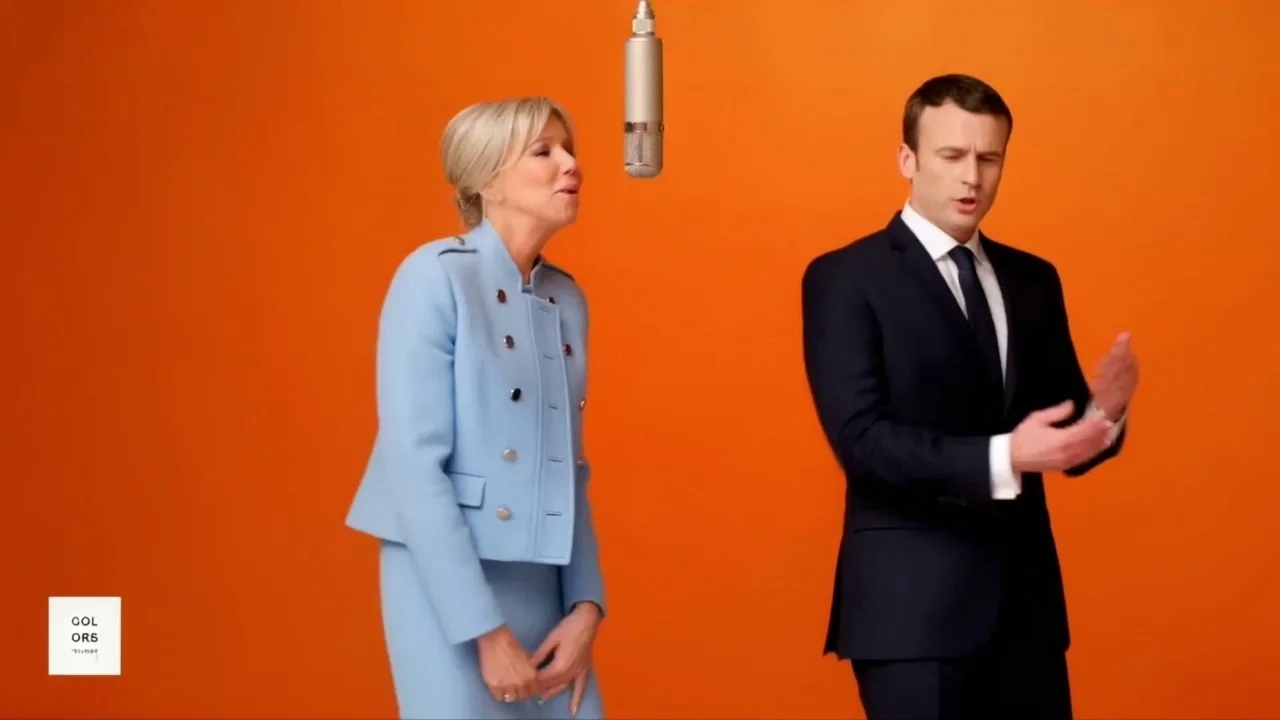
Character 1 appears on the left; Character 2 appears on the right. The scene and motion are prepared; you choose portrait or landscape framing.
Preparing your Hotel Lobby video…
Download resultDirect answer
What does this Hotel Lobby AI generator do?
It maps two uploaded character photos onto a preset two-person performance. The tool supplies the lobby setting, hanging microphone, camera composition and motion reference, while you choose native portrait or landscape output.
| You provide | Two clear character photos |
|---|---|
| The preset provides | Scene, motion, camera and pacing |
| You receive | A photorealistic 9:16 or 16:9 music-performance clip |
| Best for | TikTok, Reels, Shorts, YouTube and widescreen playback |
Motion gallery
Preview different performance energies
Hover a card on desktop, or use its play button on mobile, to preview a distinct authorized example.
-
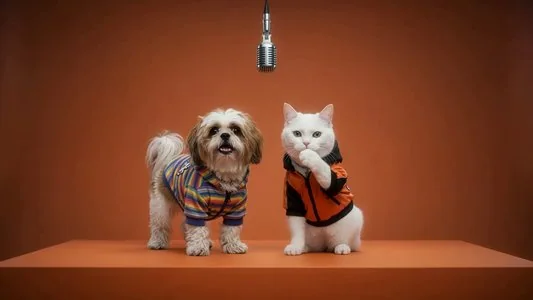
![Lobby duet Hotel Lobby AI video preview]() Duet
Duet
Lobby duet
Two performers share the microphone and alternate gestures.
-
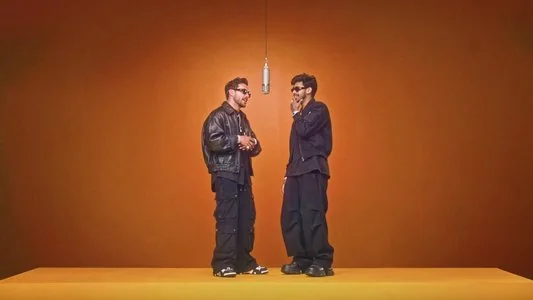
![Confident entrance Hotel Lobby AI video preview]() Entrance
Entrance
Confident entrance
A strong opening pose establishes both characters quickly.
-
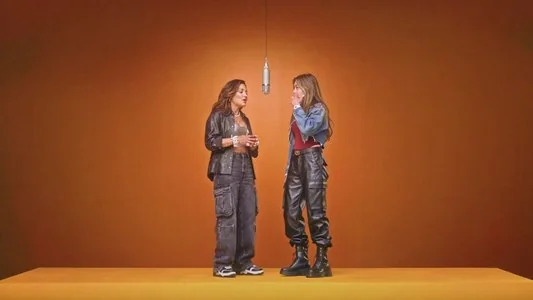
![Performance energy Hotel Lobby AI video preview]() Performance
Performance
Performance energy
Expressive movement gives the scene a music-video pulse.
-
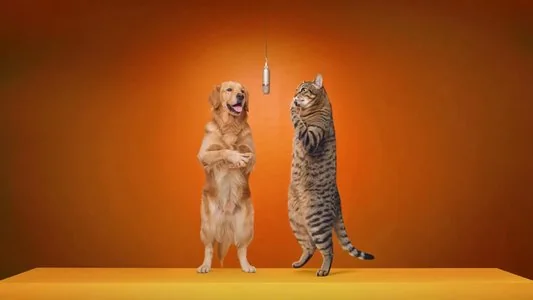
![Editorial finish Hotel Lobby AI video preview]() Editorial
Editorial
Editorial finish
A polished lobby scene with balanced, full-body composition.
Four simple steps
How to make a Hotel Lobby AI video
No prompt engineering, keyframes or editing timeline.
-
01
Upload character one
Choose a clear, front-facing image for the performer who should appear on the left.
-
02
Upload character two
Add a second clear image for the performer who should appear on the right.
-
03
Choose a frame and generate
Pick native 9:16 portrait or 16:9 landscape, then apply the motion reference and orange lobby styling.
-
04
Preview and share
Review the generated clip, then download it for your chosen social or widescreen destination.
Six ways to use it
Make the format fit your own characters
Use two images you have permission to upload, then test a social-ready performance concept.
-
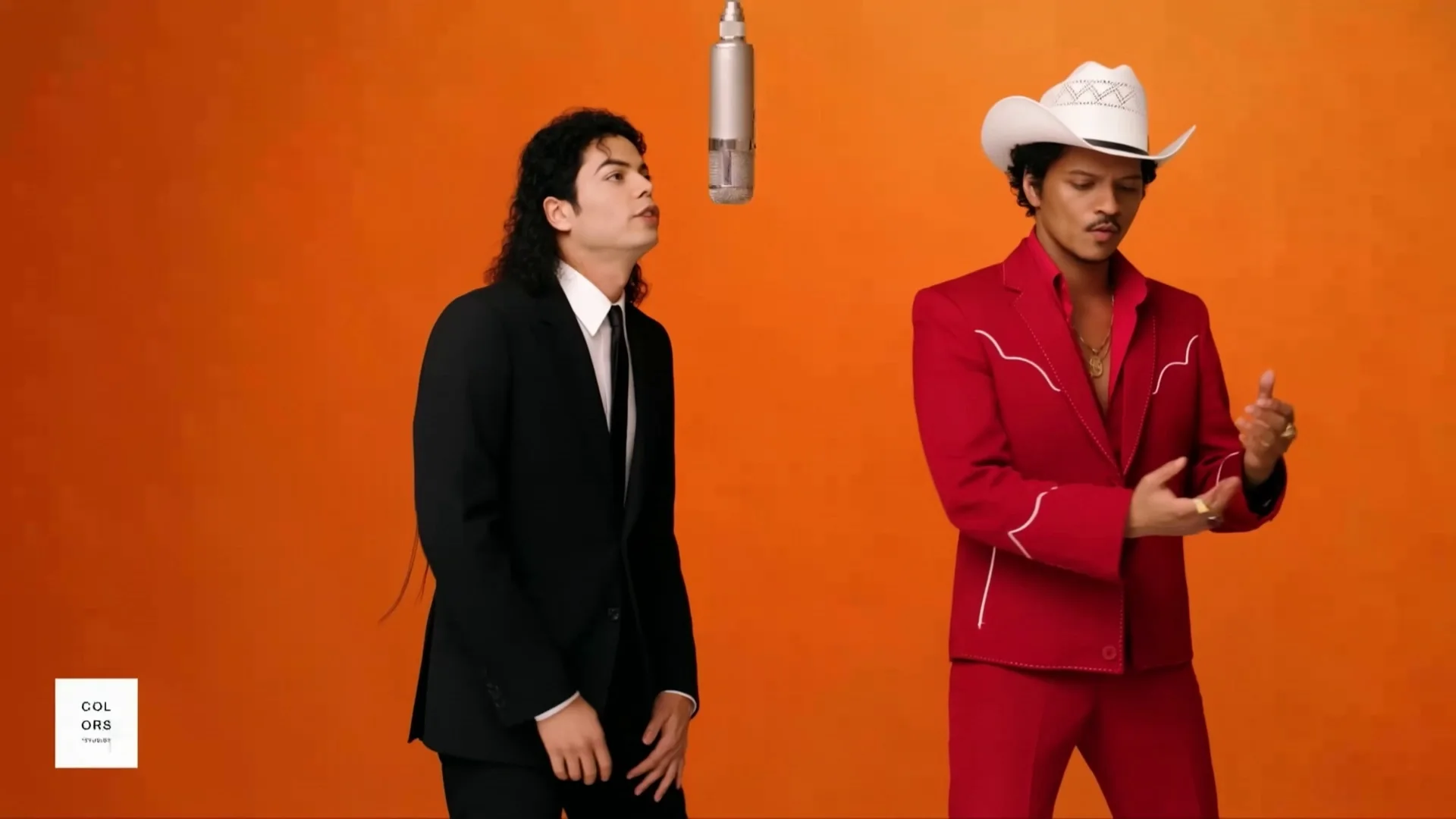
Friend duets
Put two friends into the same staged music-performance moment.
-
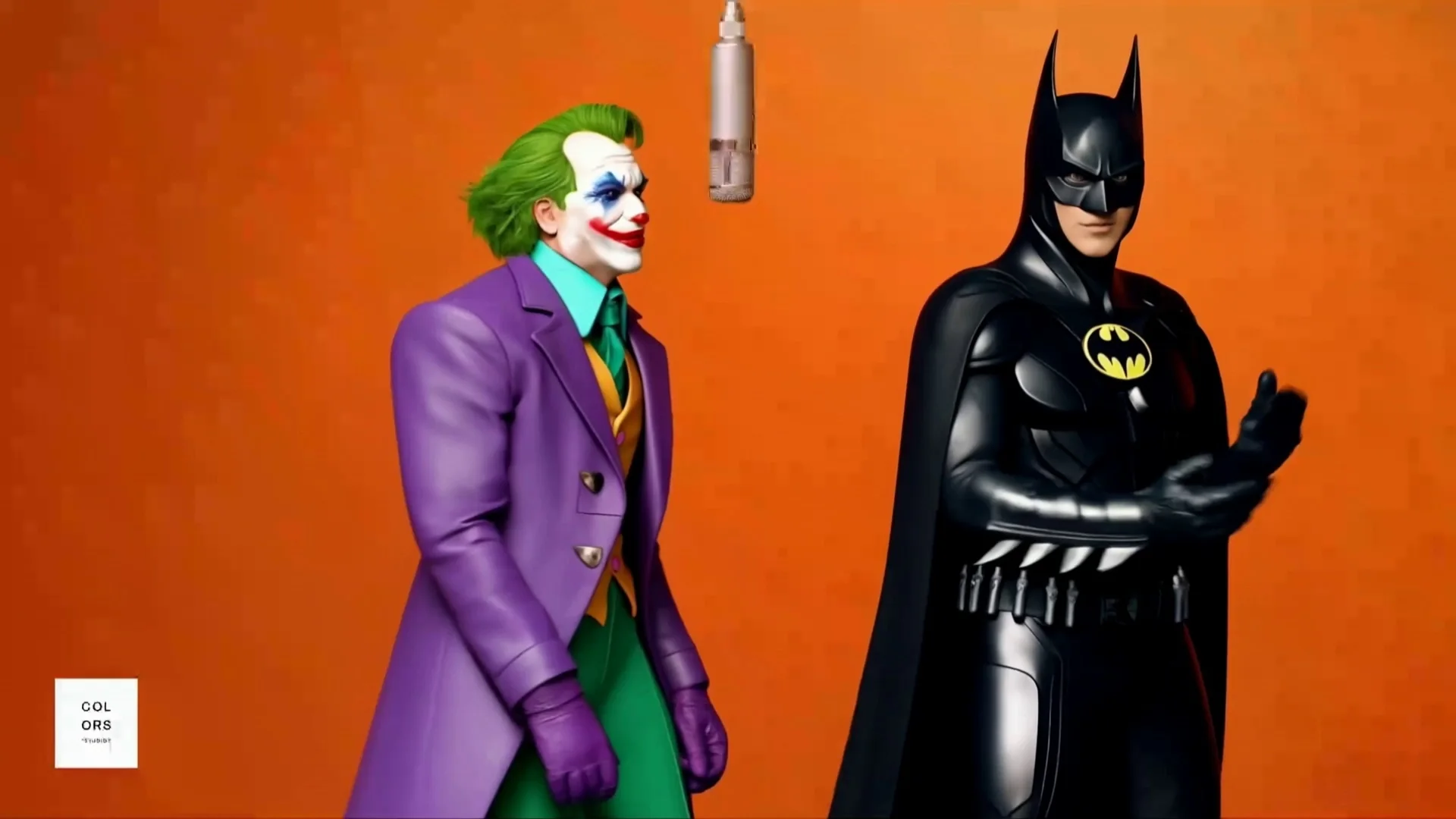
Creator collaborations
Preview a cross-channel duet before planning a larger social campaign.
-
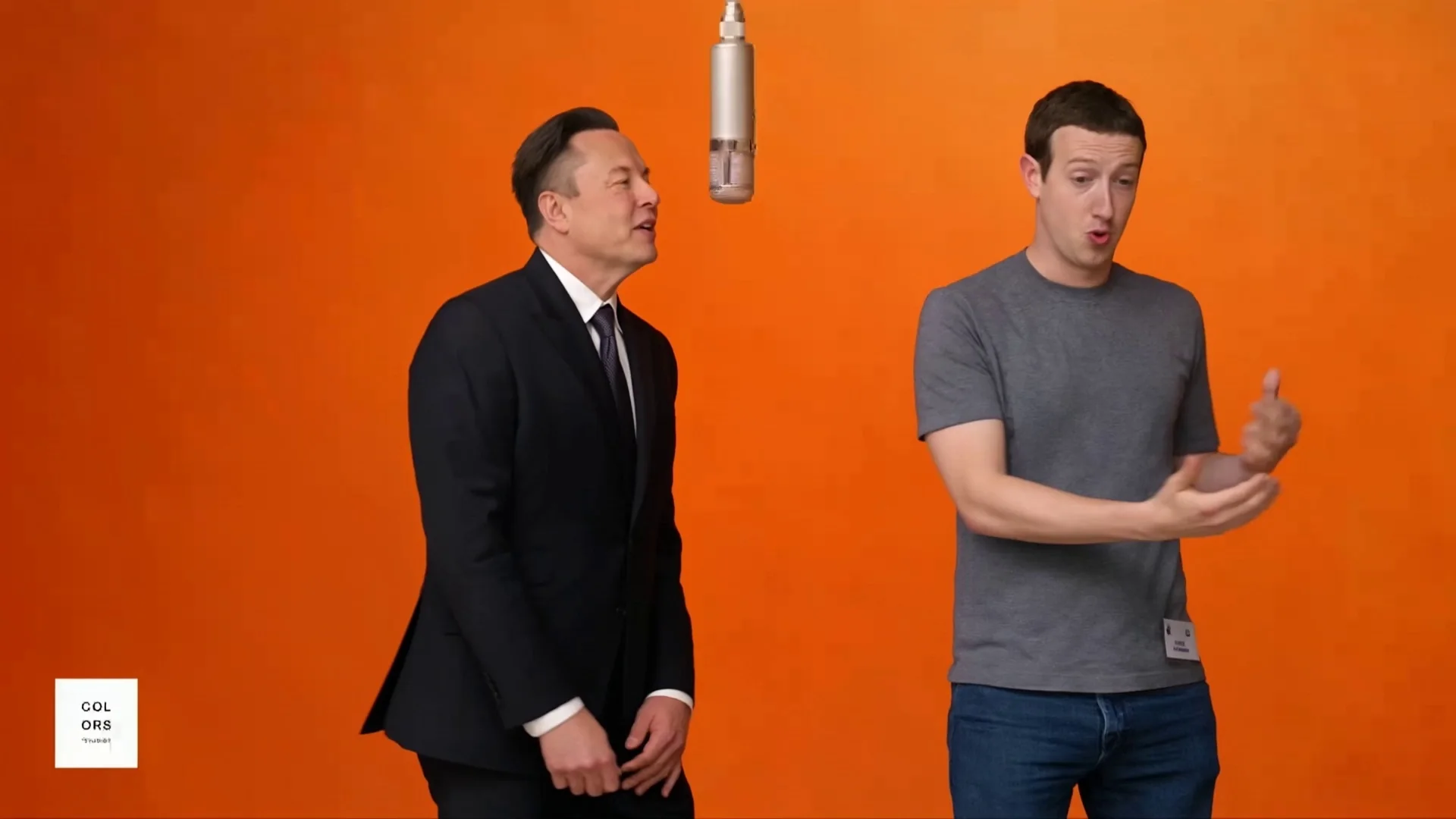
Couple edits
Turn two favorite portraits into a playful vertical performance.
-
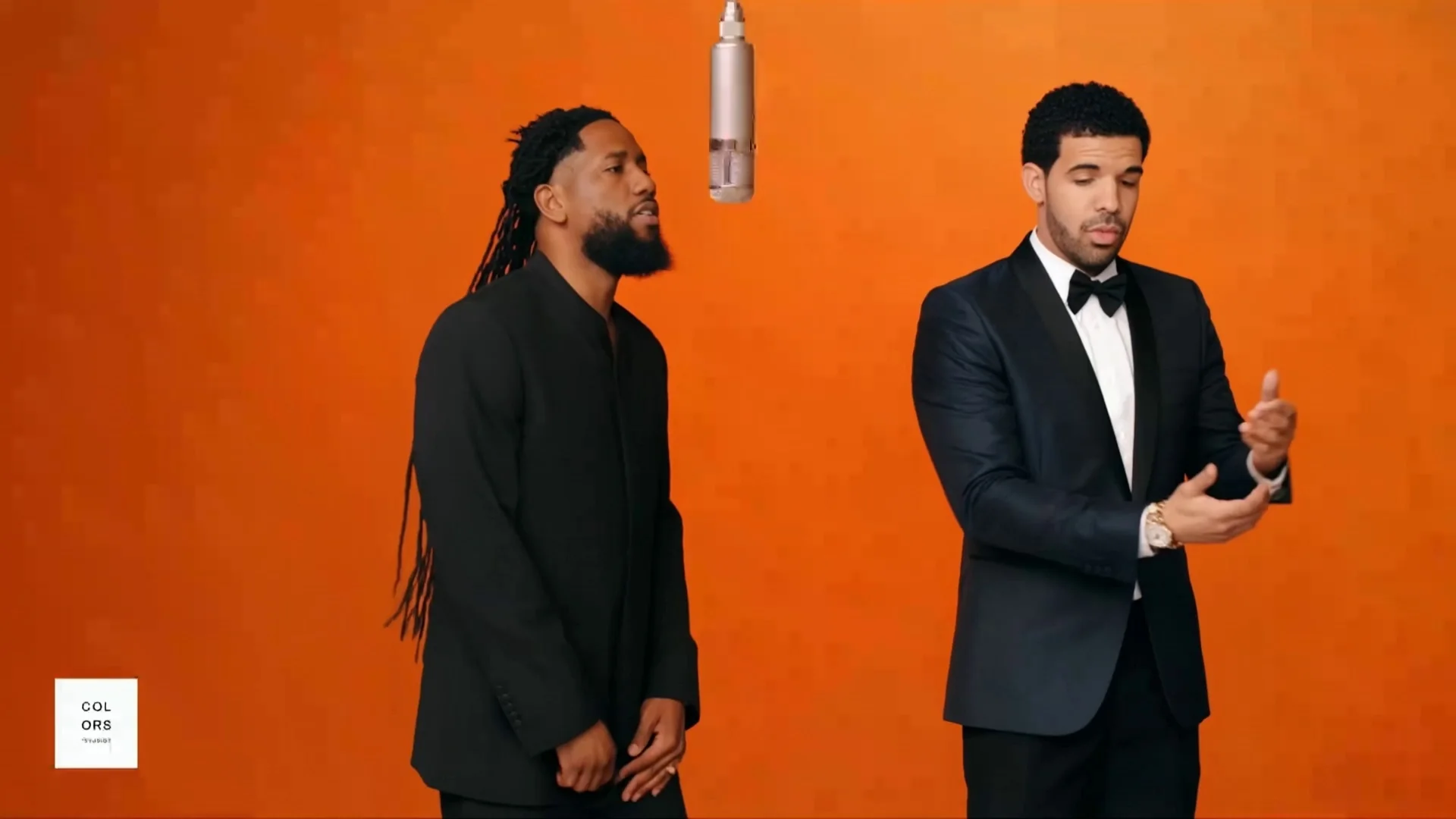
Fandom concepts
Test an imaginative two-character pairing with a consistent scene.
-
Music teasers
Create an attention-grabbing visual for a hook, remix or announcement.
-
Short-form experiments
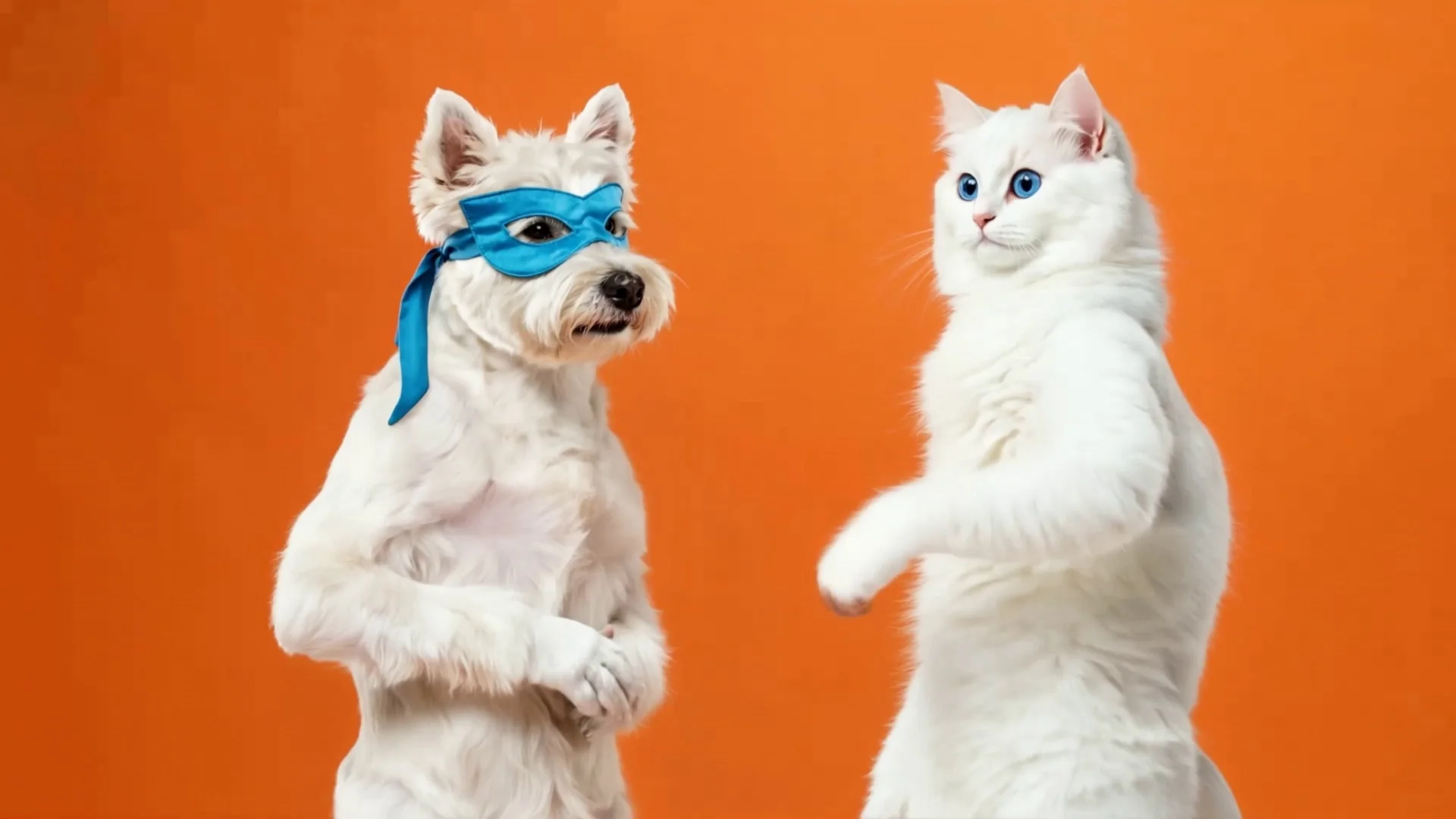
Try alternate character combinations while keeping the format familiar.
Questions answered
Hotel Lobby AI video FAQ
What is the Migos Hotel Lobby AI video trend?+
It is a two-character, vertical music-performance format inspired by a warm hotel-lobby scene, a hanging microphone and a fixed full-body camera view.
Do I need to write a prompt?+
No. The tool already contains the scene, motion, composition and short-form format, so you only choose two character images.
Do I need video-editing skills?+
No. There is no timeline, masking or manual cutting step. Upload both reference photos and generate the assembled effect.
Why does the generator ask for two photos?+
Each photo supplies one character identity. The first image maps to the left performer and the second maps to the right performer.
Which photos work best?+
Use clear, well-lit, front-facing portraits with one visible subject per image. Avoid heavy blur, face obstruction and very small faces.
What video formats does the tool create?+
Choose native 9:16 portrait for TikTok, Instagram Reels and YouTube Shorts, or native 16:9 landscape for YouTube and widescreen playback.
Does the Hotel Lobby AI video generator require credits?+
Yes. Choose Credits or Membership before generation. The interface shows the exact planned credit quote, reserves that amount before provider work starts, and returns it automatically if generation fails.
Will the two people stay recognizable?+
Clear source photos improve identity consistency, but every AI result can vary. Review the preview before publishing.
Can I use photos of real people?+
Only upload images you have permission to use. Do not impersonate someone deceptively or create harmful, misleading or non-consensual content.
Can I publish the result on social media?+
You can export the generated portrait or landscape clip for social and video platforms, subject to your rights in the uploaded photos and the Seedance terms of service.
Ready when your photos are
Turn two portraits into the Hotel Lobby performance
Choose the two characters and your frame. Seedance handles the reference motion and lobby scene in portrait or landscape.
Create My Hotel Lobby Video