One portrait. One cinematic crowd reveal.
Generate the Viral STORM II AI Dance Trend Video
Upload one clear portrait and place your character at the center of a synchronized crowd dance. Choose the frame, length and quality before the Seedance preset creates the close-up, formation and camera pull-back—no filmed choreography or editing timeline.
Lead to formationClose-up · pull-back · synchronized crowd
- 1portrait to upload
- 5aspect ratios
- 6duration choices
- 3quality levels
STORM II preset
Put one character at the center of the crowd
The upload supplies the lead identity and the server-controlled preset supplies the synchronized dancers, dramatic reveal and camera movement. You choose the supported frame, seconds and quality.
Preparing your STORM II dance video…
Download STORM II VideoDirect answer
What is the STORM II AI dance trend?
STORM II is a character-centered crowd-dance format: the viewer first recognizes one lead, then a cinematic pull-back reveals a disciplined supporting formation moving in sync. The visual payoff comes from identity, scale and timing, not from random dance motion.
- Lead
- One uploaded character remains the only visual focal point.
- Crowd
- Supporting dancers create symmetry, depth and repeated rhythm.
- Camera
- A controlled pull-back changes the perceived scale of the scene.
- Output
- A generated clip in the aspect ratio, duration and quality you select.
Photo readiness
Choose a portrait the model can keep recognizable
Source quality matters because the same lead must survive close-up framing, full-body motion and a wider crowd composition.
- One visible subjectAvoid group photos and competing faces.
- Clear facial detailUse even lighting, sharp focus and an unobstructed face.
- Readable clothingDistinct silhouettes and simple layers hold together more reliably.
- Useful body contextUpper-body or full-body framing gives the dance more motion cues.
Motion gallery
Preview the visual beats that make the trend work
Hover on desktop or use the play control on touch devices to inspect close-up, reveal, formation and finish examples.
-
![Lead close-up STORM II AI dance preview]() Close-up
Close-up
Lead close-up
Start with a face-forward moment that makes the transformation immediately readable.
-
![Crowd reveal STORM II AI dance preview]() Reveal
Reveal
Crowd reveal
Pull the camera back to expose the scale and symmetry of the supporting dancers.
-
![Synchronized formation STORM II AI dance preview]() Formation
Formation
Synchronized formation
Use clear spacing and repeated motion to give the group a controlled visual rhythm.
-
![Product spotlight STORM II AI dance preview]() Product
Product
Product spotlight
Use the lead-and-crowd reveal as a visual hook for an authorized product-centered creative concept.
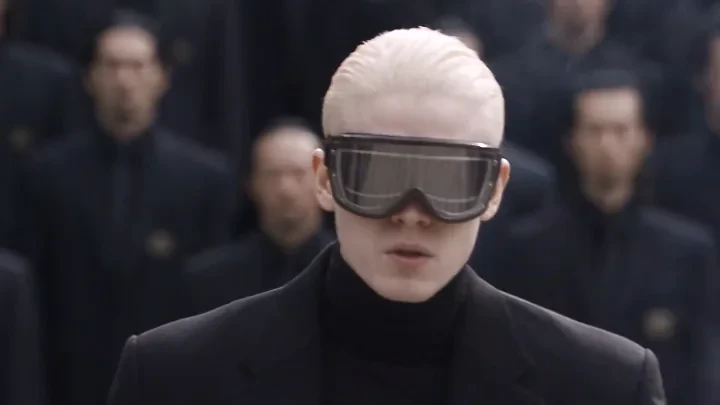
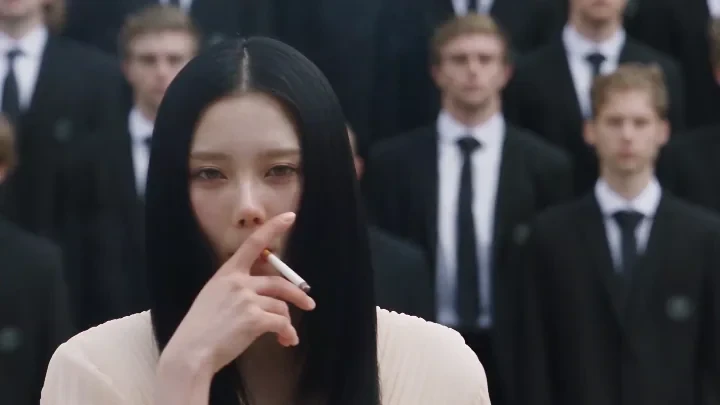
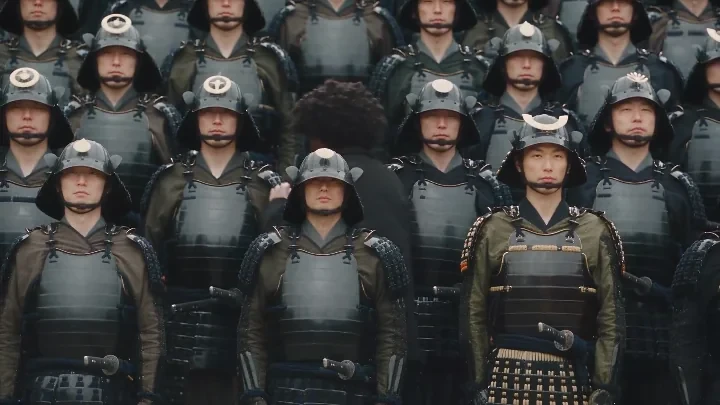
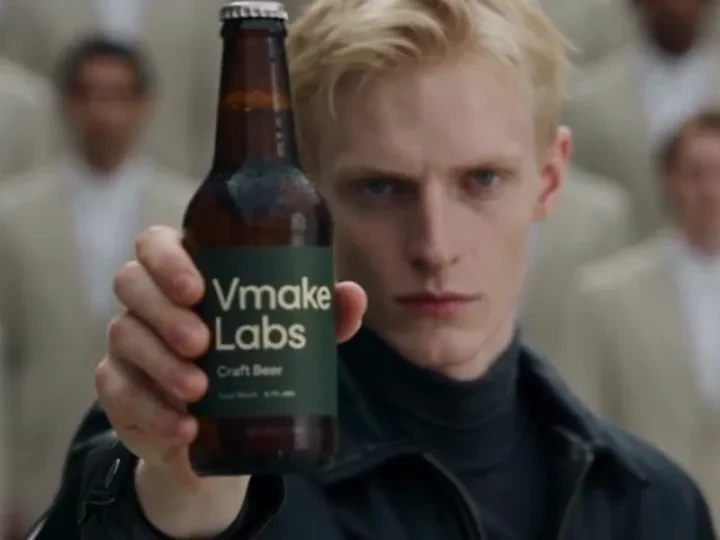
Four-step workflow
How to make a STORM II AI dance trend video
The tool keeps creation focused: one portrait, one protected preset, one generated result to review.
-
01
Upload one clear portrait
Choose a sharp, well-lit photo with one visible face and enough upper-body or full-body detail to guide the character.
-
02
Choose format, duration and quality
Select any aspect ratio, duration and resolution currently supported by the STORM II video API; the required Credits update before generation.
-
03
Generate the dance video
Start the paid generation. Seedance keeps the uploaded person as the only lead and creates an original synchronized-crowd interpretation.
-
04
Review, download and publish
Check face consistency, hands, feet, outfit continuity and crowd spacing before downloading the result for your social post.
Publishing plan
Choose the frame that fits each publishing destination
Select a supported aspect ratio before generation. The preset remains silent by design, so add only music, captions and branding you have permission to publish.
| Destination | Use the opening | Preserve the payoff | Before posting |
|---|---|---|---|
| TikTok | Recognizable lead in the first beat | Let the full crowd reveal stay visible | Add licensed audio and a concise caption |
| Instagram Reels | Use a clean cover frame with the lead | Keep formation edges inside the safe area | Check profile-grid cropping before publishing |
| YouTube Shorts | Start without a long title card | Retain the complete pull-back movement | Use rights-cleared music and readable captions |
| Product or character post | Make the subject or product unmistakable | Use the crowd as scale, not a distraction | Disclose synthetic media where required |
Creative directions
Give the crowd-dance reveal a subject of your own
Use source images you own or are authorized to transform, then connect the trend to a recognizable character, pet, artwork, outfit or product idea.
-
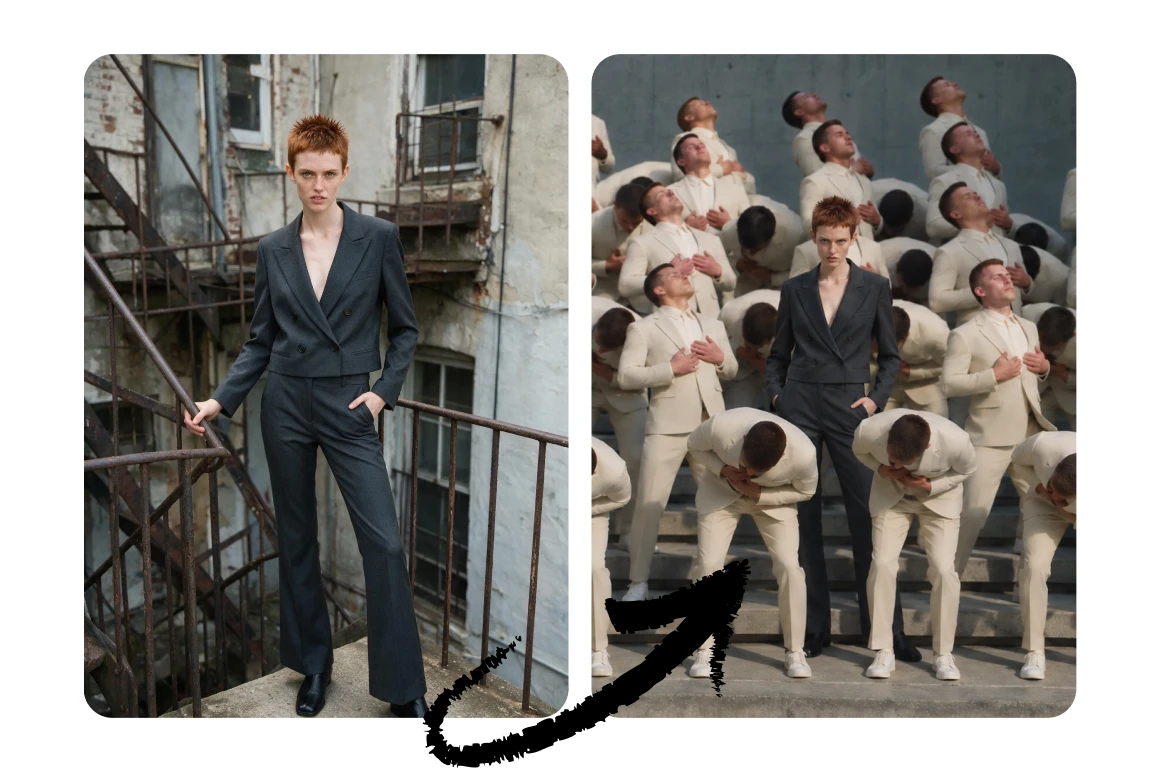
Personal dance debut
Place your own portrait at the center of a dramatic formation without filming choreography.
-
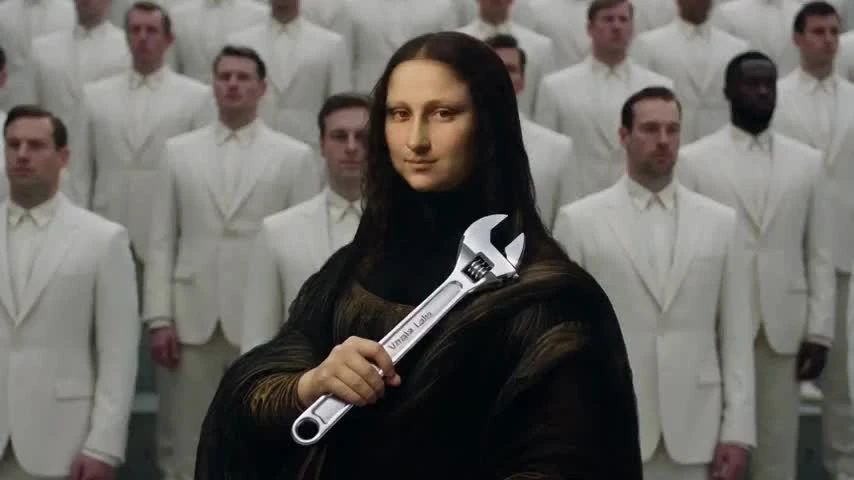
Artwork remix
Give a familiar artwork or illustrated character an unexpected crowd-dance reveal.
-

Pet-led trend
Turn a clear pet photo into a playful lead character for a lighthearted social post.
-

Product reveal
Use the formation and pull-back as a visual hook for a product-centered creative concept.
-
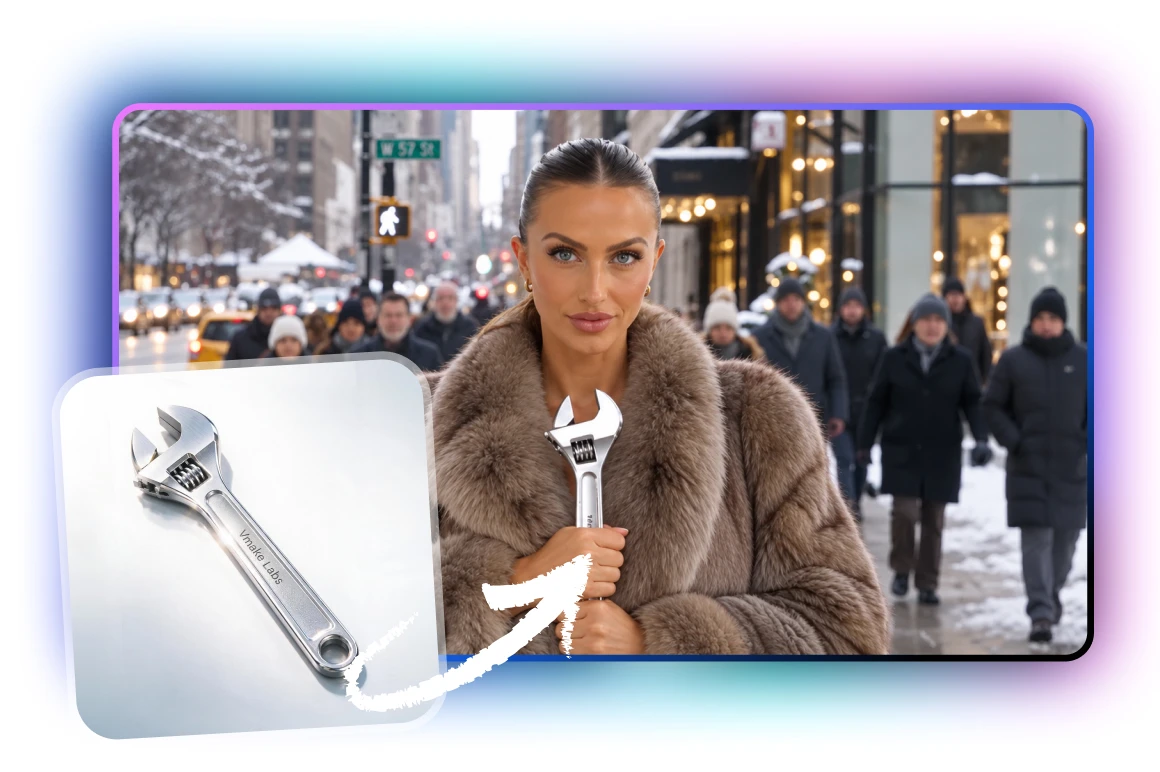
Fashion character study
Test how a distinctive outfit reads through close-ups, turns and a wider ensemble frame.
Questions answered
STORM II AI dance trend FAQ
What is the STORM II AI dance trend?+
It is a crowd-dance video format built around one lead character, synchronized supporting dancers and a cinematic pull-back that reveals the full formation.
Why is STORM II written in uppercase?+
STORM II is the displayed name of the trend and is kept uppercase throughout this page. “Storm 2” is a common search variant, but the page uses the intended STORM II styling.
How many photos do I upload?+
This Seedance preset uses one clear portrait for the lead character. The crowd, lighting, pacing and camera reveal are supplied by the fixed preset.
What kind of photo works best?+
Use a sharp, well-lit image with one subject, an unobstructed face and visible clothing. Avoid group photos, heavy blur, masks and very small faces.
Do I need to film myself dancing?+
No. You do not need to record choreography or prepare a dance clip. Upload a portrait and the preset builds an original crowd-dance interpretation.
Which formats, durations and quality settings can I choose?+
Choose 16:9, 9:16, 1:1, 4:3 or 3:4; choose 4, 5, 6, 8, 10 or 15 seconds; and choose 480p, 720p or 1080p. The displayed Credits change with duration and resolution.
Does the STORM II generator require credits?+
Yes. The page shows the current credit quote before generation, reserves that amount for the job and returns it automatically if the generation fails.
Will the result copy the reference videos frame for frame?+
No. The preset uses the recognizable lead-and-crowd idea, formation energy and camera-reveal language to create a new interpretation rather than reproducing a source clip or real performer.
Can I use a photo of another person?+
Only upload a photo you have permission to use. Do not create deceptive impersonation, harmful content or a non-consensual likeness edit.
Can I publish the video with the original music?+
Use audio you are licensed or otherwise permitted to publish. This generator creates a visual clip and does not grant rights to third-party music, footage, costumes or likenesses.
Your lead, your reveal
Turn one portrait into a full STORM II crowd moment
Upload the character you want viewers to recognize, then choose the frame, length and quality. Seedance builds an original dance clip around that identity, synchronized formation and cinematic pull-back.
Generate My STORM II Video